For Law Firm, Corporate & University Leadership

Build a more capable workforce. Strengthen competitiveness.

As AI raises productivity expectations and changes professional responsibilities, improve one defined part of your organization’s work: invention visualization and patent drawings. Equip your people with practical capabilities and access professional services where they make business sense.

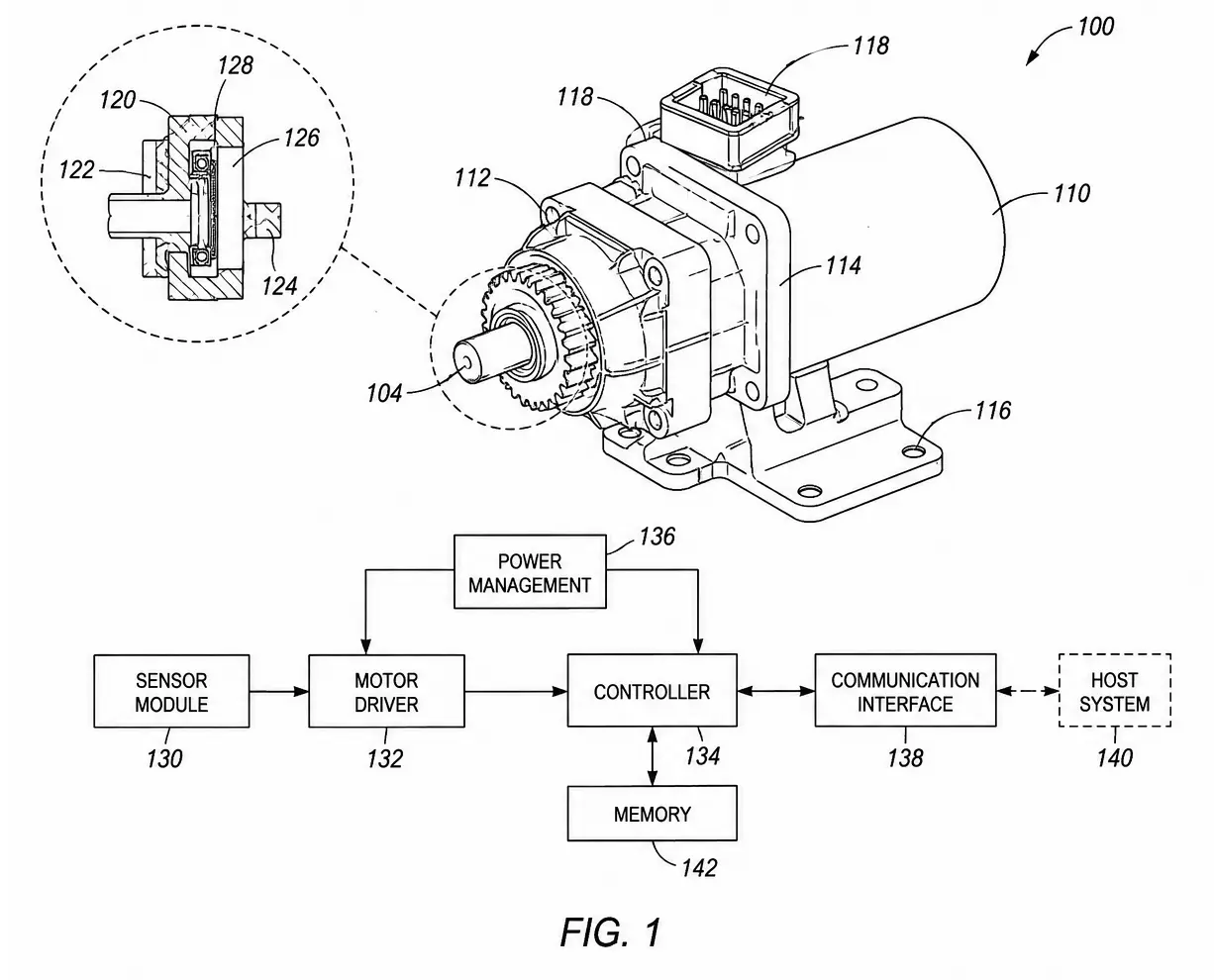
Patent figure example showing a technical invention with numbered reference elements

For organizational leadership

Law firms Corporate IP & R&D Universities Technology transfer

The Competitiveness Challenge

Technology can change faster than an organization can adopt it.

Law firms may face pressure on fees and delivery times; corporate IP and R&D groups may be expected to do more with existing resources; universities need practical capabilities that support research and invention communication.

Rather than adopting technology for its own sake, identify specific work that can be improved and establish measurable results. Patent visualization and drawing work is one defined opportunity to build workforce capability and reduce avoidable effort.

01 The Pressure

Maintain competitive performance during technological change.

  • Rising productivity expectations
  • Cost and resource constraints
  • Changing workforce responsibilities
  • Adoption and integration burden
The Opportunity Establish a practical, measurable capability
02 An Organizational Response

Develop people and methods, not just software access.

  • Equip selected professionals for direct work
  • Standardize recurring drawing tasks
  • Allocate work to the right resources
  • Evaluate results before expanding

A Practical Business Opportunity

Develop a more productive invention visualization and drawing workflow.

Productivity improvements must be measured across the entire workflow, not just the time required to draw a figure. Professional time, external fees, review cycles and adoption costs all matter.

IP DaVinci focuses on a specific area of professional work, not on transforming every aspect of your organization.

01 Assess

Identify where drawing work consumes resources.

Review current figure preparation, communication, revisions and outsourcing. Establish a baseline for time, cost and quality.

Baseline Workflow Cost
02 Develop

Expand workforce capabilities where they add value.

Equip selected attorneys, IP staff, support professionals or researchers with skills appropriate to their responsibilities. Avoid training everyone for the same tasks.

Role-based skills Practical training Workforce development
03 Standardize

Establish repeatable methods and resources.

Use shared templates, stencils and defined workflows so useful capabilities can be reused across projects and teams.

Methods Editable resources Consistency
04 Evaluate

Measure outcomes before expanding investment.

Compare total effort, revision turnaround, quality and participant feedback. Account for training and verification time when assessing benefits.

Time Quality Adoption
05 Adapt

Choose future improvements based on demonstrated value.

As technologies evolve, assess which methods or tools justify adoption within your organization’s policies, security requirements and operational constraints.

Technology evaluation Change management Ongoing support

The Principle

Develop capability without losing operational flexibility.

Use the System to improve suitable internal work and Studio services to access professional expertise or production capacity. The two can be adopted independently.

Patent Figure System™ Internal workforce capability
or
IP DaVinci Studio External production capacity

The IP DaVinci Patent Figure System™

Establish an internal capability with a defined starting point.

The System combines Training, the Patent Figure Toolkit™ and Support to help selected team members apply practical, standardized methods in Microsoft Visio.

Start with one group or recurring workflow, measure the results and expand only where the business case supports it.

01 Learn & Develop

Training

Learn practical patent-figure skills and standardized methods through the Learning Portal and Live Training.

Patent Figure Standards Visio Skills for Patent Figures Patent Figure Creation Methods Other Patent Figure Methods
02 Work

Patent Figure Toolkit™

Apply the methods using reusable resources designed for practical patent-figure work in Microsoft Visio.

Templates Stencils Productivity Resources
03 Get Help

Support

Get guidance when applying the System to real patent-figure tasks.

Live Clinics One-on-One Support Practical Workflow Guidance
One Connected System
Training Patent Figure Toolkit™ Support Organizational capability and productivity
Available Today & Future Direction

Microsoft Visio is the currently supported drawing environment.

The current offer is Visio-based tools, methods, training and support. Our development direction is to evaluate AI-assisted drawing and other visualization environments, and incorporate proven methods when appropriate. Integrated AI drawing features are not part of the current evaluation.

IP DaVinci for Organizational Leaders

Improve productivity today. Build capability for tomorrow.

Discuss a focused evaluation of the current Visio-based System, a team pilot or an independent Studio assignment. Establish the business case before making a broader commitment.

Start Small
One team. One workflow. One measurable objective.

Compare results against a baseline and decide where investment delivers practical value.

Patent Figure System™ Develop workforce capability.
IP DaVinci Studio Access professional production.
Organizational Competitiveness Improve the way your resources are used.