For Patent Attorneys & Patent Agents

Accomplish more patent work. Spend less time handling drawings.

As AI raises expectations for faster, more efficient patent preparation, every avoidable figure revision and handoff matters. Develop practical drawing capabilities with IP DaVinci and preserve more time for substantive patent work.

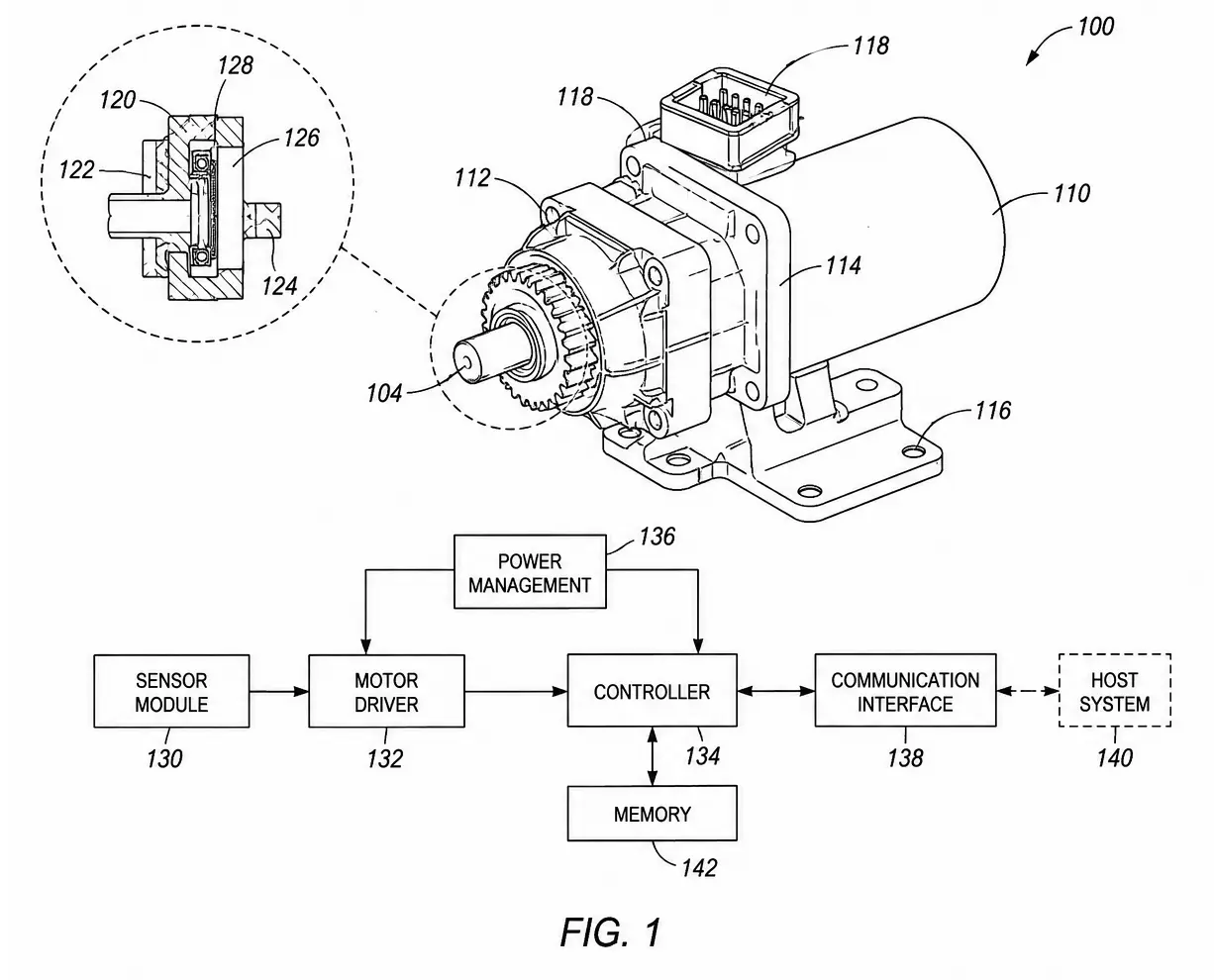
Patent figure example showing a technical invention with numbered reference elements

Develop your advantage

Visualize Create Revise Review

The Changing Expectations of Patent Practice

When clients expect more for less, your time becomes even more valuable.

AI may shorten other parts of patent preparation and increase the number of matters you are expected to handle. The time spent explaining, checking and coordinating drawings can remain a bottleneck.

The opportunity is not to become a professional drafter. It is to handle the visual part of your work more effectively, using the right combination of direct editing, proven methods, professional assistance and, as suitable tools mature, AI.

01 The Pressure

More work within the same time and budget.

  • Faster application turnaround
  • Pressure on fees and billable time
  • Repeated figure instructions and revisions
  • Maintaining legal and technical quality
Your Advantage Reduce avoidable effort in patent drawing work
02 A Better Workflow

Keep control over the visual component of your work.

  • Develop figures alongside the specification
  • Make appropriate routine edits directly
  • Communicate visually with inventors
  • Delegate specialized drawings when appropriate

Practical Productivity

Make every stage of patent drawing work more efficient.

Visual work continues throughout drafting, review and prosecution. A practical, editable working environment can reduce the effort required to turn your technical and legal intentions into figures.

Start with the tasks that interrupt your work most frequently, and measure whether a more direct approach saves time.

01 Visualize

Develop the figures as you develop the application.

Use diagrams and editable visual material to explore the disclosed invention, organize relationships and communicate what an embodiment should show.

Concepts Embodiments System diagrams
02 Create

Prepare suitable routine figures yourself.

Use templates, stencils and repeatable Visio methods for block diagrams, flowcharts and other appropriate figures.

Block diagrams Flowcharts Tracing
03 Revise

Resolve small changes without another instruction cycle.

Change reference numbers, move elements, adjust labels or prepare an alternative figure when direct editing is more efficient.

Direct editing Reference numbers Figure variants
04 Review

Check the drawing against the application.

Inspect figures and reconcile technical details with the specification. Retain professional review of changes, including those made during prosecution.

Consistency Corrections Professional review
05 Collaborate

Show what you mean rather than repeatedly explaining it.

Share editable visual material with inventors and colleagues. Give drafting specialists clearer instructions when their expertise is the better choice.

Inventors Colleagues Drafters

The Principle

Your time is valuable. Use it where it matters.

Choose direct work when it reduces total effort; engage IP DaVinci Studio when professional production is the better option.

Patent Figure System™ More efficient direct work
or
IP DaVinci Studio Professional drawing services

The IP DaVinci Patent Figure System™

Develop a capability you can use on your next application.

The System combines Training, the Patent Figure Toolkit™ and Support with practical, standardized methods. Start with an everyday figure task rather than learning a general drawing application from scratch.

The goal is to make visual work a more natural part of your patent practice.

01 Learn & Develop

Training

Learn practical patent-figure skills and standardized methods through the Learning Portal and Live Training.

Patent Figure Standards Visio Skills for Patent Figures Patent Figure Creation Methods Other Patent Figure Methods
02 Work

Patent Figure Toolkit™

Apply the methods using reusable resources designed for practical patent-figure work in Microsoft Visio.

Templates Stencils Productivity Resources
03 Get Help

Support

Get guidance when applying the System to real patent-figure tasks.

Live Clinics One-on-One Support Practical Workflow Guidance
One Connected System
Training Patent Figure Toolkit™ Support More time for substantive patent work
Available Today & Future Direction

Microsoft Visio is the currently supported drawing environment.

The current offer is Visio-based tools, methods, training and support. Our development direction is to evaluate AI-assisted drawing and other visualization environments, and incorporate proven methods when appropriate. Integrated AI drawing features are not part of the current evaluation.

IP DaVinci for Attorneys & Agents

Make your next patent application a more efficient one.

Evaluate the current Visio-based System on a routine figure or revision. Use Studio services independently whenever outsourcing makes more sense.

Start Small
One application. One figure. One recurring task.

Compare the time and effort required with your current workflow before deciding whether to expand.

Patent Figure System™ Work more directly with figures.
IP DaVinci Studio Delegate specialized work.
Professional Productivity Make better use of your time.