For Patent Paralegals & Support Staff

Expand your capabilities. Strengthen your professional value.

As AI changes routine patent support work, develop practical skills that enable you to take on new responsibilities. Learn to create, revise, organize and coordinate patent drawings with IP DaVinci.

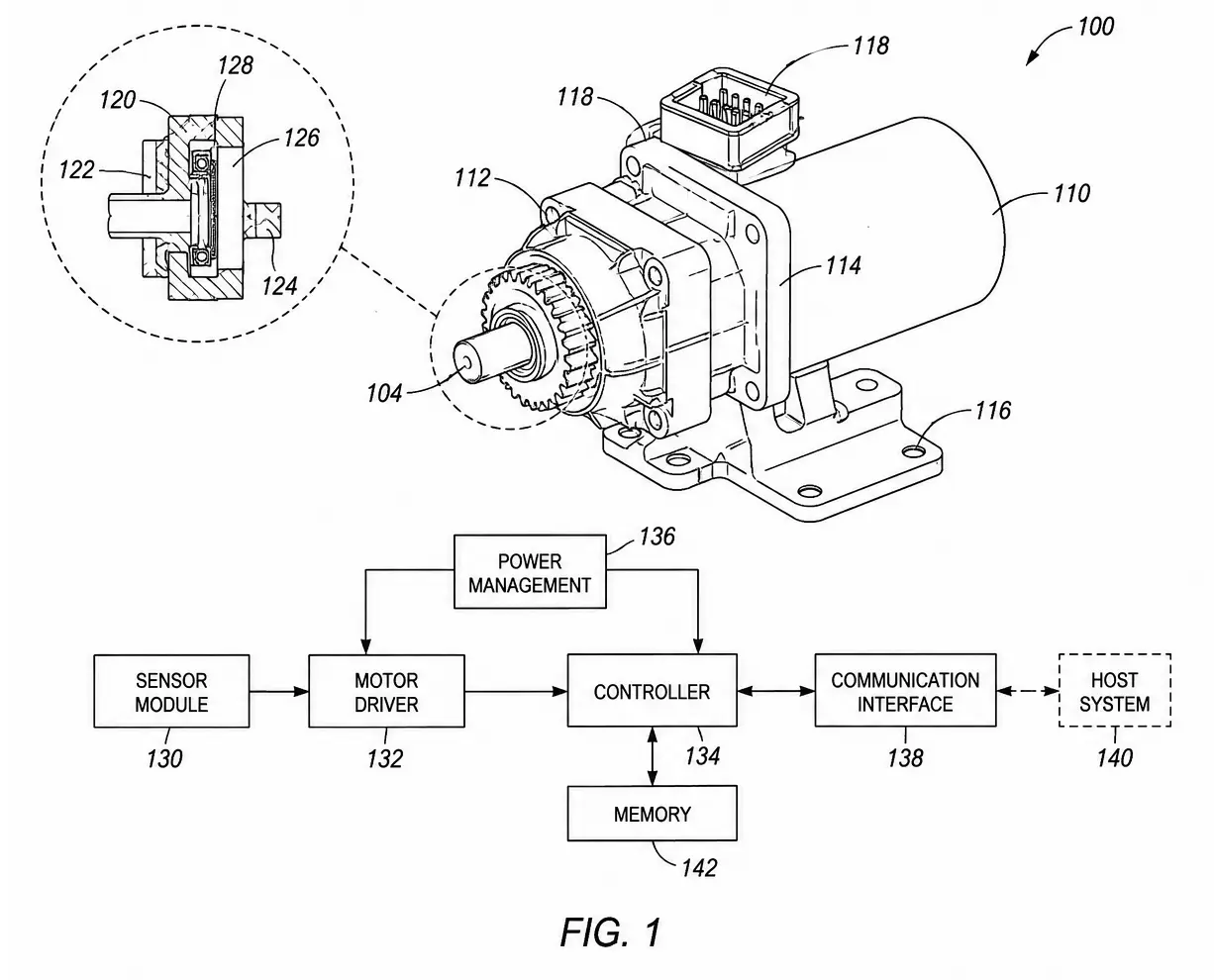
Patent figure example showing a technical invention with numbered reference elements

Build practical capabilities

Prepare Revise Coordinate Quality checks

A Changing Professional Role

Build new responsibilities as routine tasks become easier to automate.

AI may reduce the need for some administrative and document-processing tasks. Becoming faster at those tasks alone may not be enough to strengthen your long-term professional position.

Patent drawing work offers an adjacent capability: helping attorneys and agents prepare, review and manage visual material. You can start with appropriate routine tasks and expand under the direction of the responsible patent professional.

01 The Pressure

Traditional support responsibilities are changing.

  • Automation of routine administration
  • Changing expectations from attorneys
  • Pressure to demonstrate professional value
  • Limited time to develop new skills
Your Opportunity Become capable of more than routine administration
02 An Expanded Role

Become a capable resource for patent drawing work.

  • Prepare and revise routine figures
  • Coordinate complete drawing assignments
  • Apply consistent drawing methods
  • Support review and quality checks

New Professional Capabilities

Develop skills that contribute to real patent work.

You do not need to become a professional illustrator to take greater responsibility for routine figure work. Begin with defined tasks and learn through practical examples.

Build a useful portfolio of capabilities that you can demonstrate to your team, while leaving legal and technical decisions to the responsible professionals.

01 Prepare

Create suitable figures from available material.

Use Visio templates, stencils and practical tracing methods to turn simple sketches and diagrams into editable figure material.

Templates Tracing Diagrams
02 Revise

Handle recurring drawing changes.

Make authorized edits to text, reference numbers, layouts and other straightforward elements instead of coordinating each small change externally.

Labels Layout Reference numbers
03 Organize

Manage editable drawing resources.

Keep track of working figures, approved source material and revisions using your organization’s established document and matter-management practices.

Drawing sets Source files Revisions
04 Check

Support consistent figure review.

Check formatting, numbering and apparent discrepancies against approved instructions. Escalate substantive issues to the responsible patent professional.

Formatting Numbering Escalation
05 Coordinate

Become a more effective point of contact for drawing work.

Help attorneys, inventors and drafting providers communicate changes clearly. Identify tasks you can handle and those that require specialized production.

Attorneys Inventors Drafters

The Principle

Increase your contribution, not just your workload.

Learn appropriate tasks that save your team time. Use IP DaVinci Studio for specialized production and work within your authorized responsibilities.

Patent Figure System™ Develop practical capabilities
or
IP DaVinci Studio Specialized drawing support

The IP DaVinci Patent Figure System™

Build skills through a practical working system.

The System combines Training, the Patent Figure Toolkit™ and Support so you can learn, apply and refine practical skills without needing a professional drafting background.

Start with a few recurring tasks and develop confidence before taking on more complex responsibilities.

01 Learn & Develop

Training

Learn practical patent-figure skills and standardized methods through the Learning Portal and Live Training.

Patent Figure Standards Visio Skills for Patent Figures Patent Figure Creation Methods Other Patent Figure Methods
02 Work

Patent Figure Toolkit™

Apply the methods using reusable resources designed for practical patent-figure work in Microsoft Visio.

Templates Stencils Productivity Resources
03 Get Help

Support

Get guidance when applying the System to real patent-figure tasks.

Live Clinics One-on-One Support Practical Workflow Guidance
One Connected System
Training Patent Figure Toolkit™ Support Expanded professional capabilities
Available Today & Future Direction

Microsoft Visio is the currently supported drawing environment.

The current offer is Visio-based tools, methods, training and support. Our development direction is to evaluate AI-assisted drawing and other visualization environments, and incorporate proven methods when appropriate. Integrated AI drawing features are not part of the current evaluation.

IP DaVinci for Patent Support Professionals

Develop your next professional capability.

Try a practical drawing task using the current Visio-based System. Learn how to contribute more to figure preparation, revisions and coordination in your existing role.

Start Small
One skill. One practical task. One measurable contribution.

Use an approved example, then discuss suitable responsibilities with your supervising attorney or team leader.

Patent Figure System™ Develop new practical skills.
IP DaVinci Studio Access specialized expertise.
Professional Development Expand the value you can provide.