PATENT DRAWING COMPANY

Studio, School & Cloud Workspace for Patent Drawings

One patent drawing system: expert services, training, toolkit, and optional cloud desktops.

IP DaVinci helps law firms, corporate IP teams, R&D groups, and universities create clear, examiner-friendly patent drawings — whether you want them done for you, want your team trained with our Toolkit, or want everything delivered through a managed cloud workspace.

  • Expert design & utility patent drawings, done for you.
  • Professional Visio-based training with our IP DaVinci Toolkit.
  • Optional cloud workstations so anyone can draw from any device.
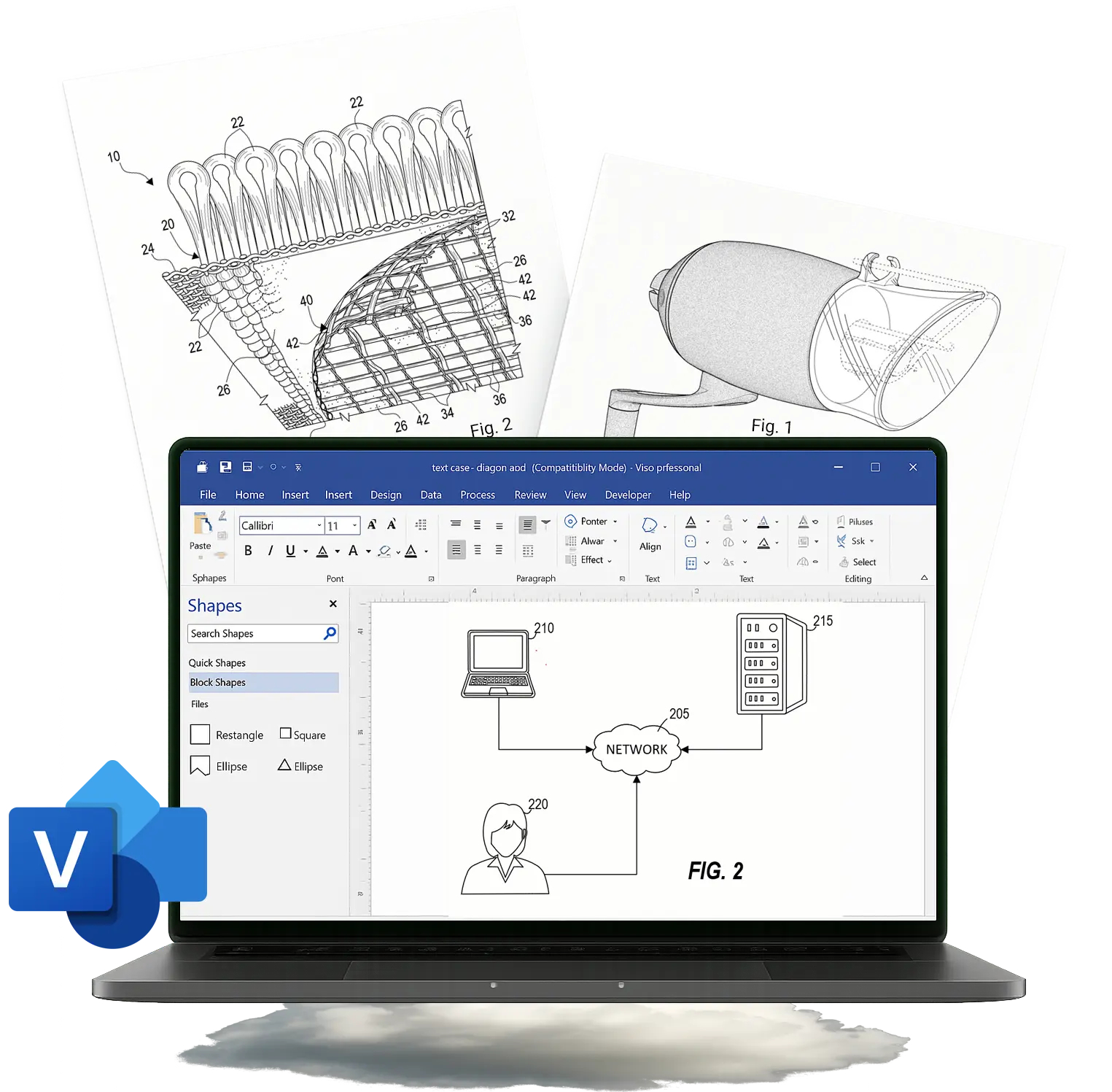
Sample patent drawings and Visio workspace

Three Ways to Work With IP DaVinci

Choose the mix that fits your workload, team, and IT environment.

Done-for-You Studio

IP DaVinci Studio

Premium design and utility patent drawings, file-ready for the USPTO and international offices.

  • Fixed-fee quotes and predictable timelines
  • Clean line work, shading, and figure consistency
  • Ideal when you need expert drawings fast

Training & Toolkit

Patent Drawing School

Teach your team to create patent-ready drawings in Microsoft Visio using our Toolkit and micro-courses.

  • 30+ micro-courses with practice diagrams and step-by-step workflows
  • IP DaVinci Toolkit & stencils included
  • Perfect for paralegals, junior attorneys, engineers, and staff
  • Pairs optionally with Cloud Workspace for teams on Mac/iPad

Cloud Workstations

DaVinci Cloud Workspace

Managed Visio desktops in the cloud, preloaded with the IP DaVinci Toolkit and Training, accessible from any modern device.

  • No local Windows or Visio installs required
  • Includes Training & Toolkit preconfigured for every user
  • Great for Mac/iPad-heavy firms, R&D teams, and classrooms
  • Pilot-friendly for teams, departments, and programs

Built for Patent Professionals and Their Teams

Different roles, one common goal: clearer drawings, fewer headaches.

Law Firms & IP Boutiques

  • Handle routine figures in-house with Training & Toolkit, outsource complex sets to the Studio.
  • Standardize how attorneys and paralegals work with drawings across matters.
  • Use the Cloud Workspace when teams are on mixed Mac/Windows hardware or working remotely.

Corporate IP & R&D

  • Get engineers, product teams, and IP aligned on diagrams that support invention disclosures and filings.
  • Capture systems and flows with clear, reusable figures built on a shared toolkit.
  • Train internal staff while having a specialist Studio and optional cloud desktops on standby.

Universities & Training Programs

  • Teach patent drawing skills without wrestling with lab installs or device restrictions.
  • Offer practical, portfolio-ready skills to law, engineering, design, or entrepreneurship students.
  • Combine course access, Toolkit, and optional Cloud Workspace for researchers, faculty, and selected classes.

Why Teams Choose IP DaVinci

A focused partner instead of generic design or IT vendors.

Deep Patent Drawing Focus

We live in the world of patent drawings — not generic design. Everything is tuned to the needs of attorneys, agents, examiners, and technical teams.

One Integrated System — Studio, School & Cloud

Work with us for done-for-you drawings, training with our Toolkit, or cloud workstations — all built around the same patent drawing system, so nothing feels bolted on.

Fits Your Existing Workflow

Whether you brief us like a vendor, train staff internally, or roll out cloud desktops, we plug into the way you already work — Outlook, Teams, SharePoint, OneDrive, and your existing processes.

Scales from Solo to Enterprise

Practical for solo practitioners and small teams, but ready for firm-wide, departmental, and campus-level deployments as your needs grow.

What Clients Say

From law firms to universities.

“IP DaVinci gives us options: we can train staff, outsource busy periods, or spin up cloud workstations when we need them.”
Partner, IP Boutique Firm
“Our engineers and IP team now work from a shared toolkit. Drawings are clearer, and we spend less time going back and forth.”
Director of IP, Technology Company
“The combination of course material, tools, and optional cloud access makes it easy to plug IP DaVinci into our curriculum.”
Professor, Engineering Program

Not Sure Where to Start?

Tell us how you currently handle drawings and we’ll recommend a simple next step.