OPTIONAL OVERFLOW & COMPLEXITY LAYER
Delegate patent drawing work without disrupting your workflow system
Integrated overflow production support for complex, high-volume, or time-sensitive patent drawing work.
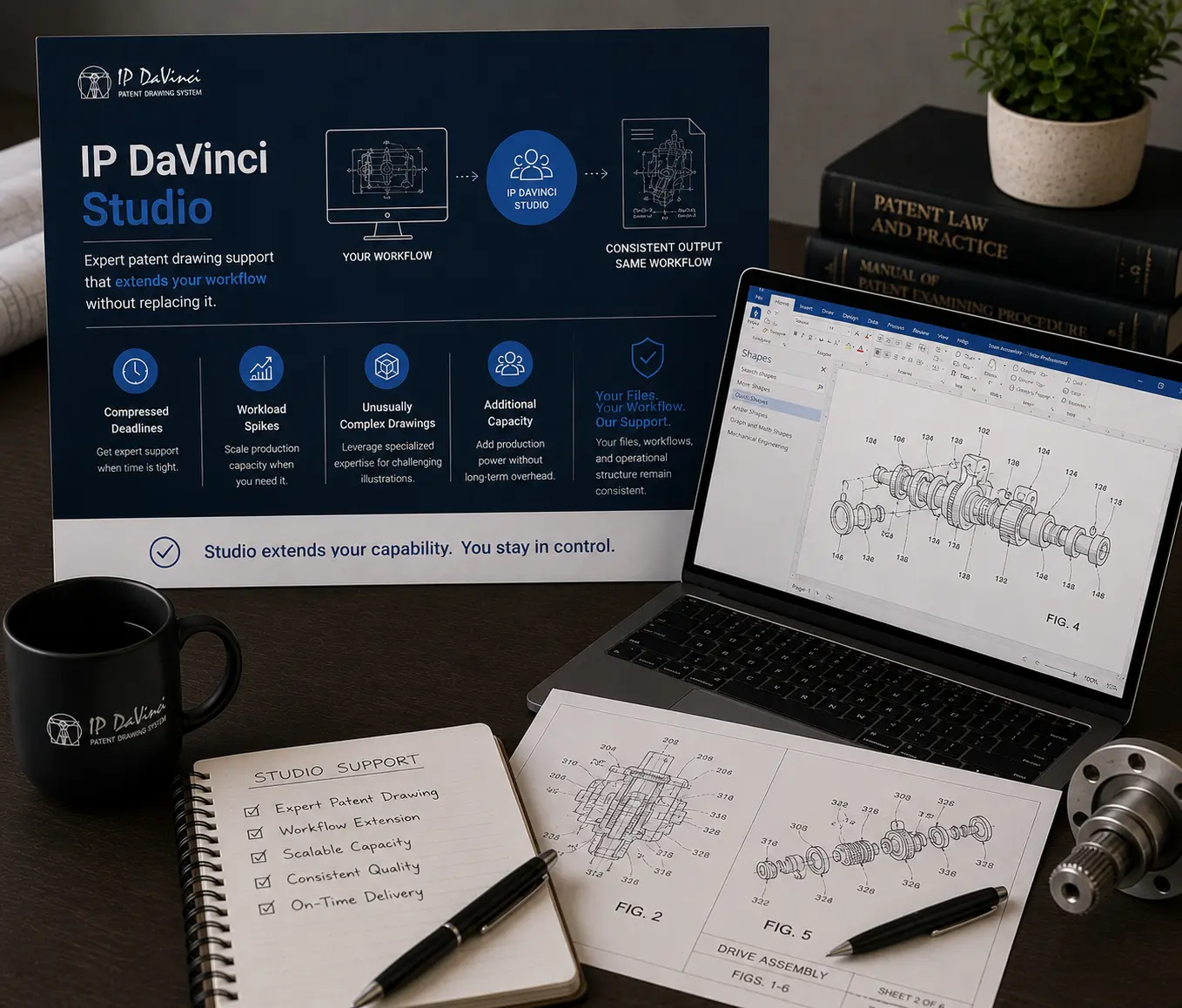
Studio Is Designed as Operational Overflow
Most users produce routine drawings internally using the Starter Package workflow system. Studio is used selectively when complexity, workload, or timing pressures make delegation operationally useful.
What Studio Adds
Additional production capacity without workflow fragmentation.
UTILITY
Utility Patent Figure Production
Complex technical figures handled within the same workflow structure.
- ✔ Systems, methods, flowcharts, GUIs
- ✔ Editable Visio deliverables
- ✔ Aligned with Toolkit conventions
DESIGN
Design Patent Drawings
Professional STIPPLES® design patent drawing production.
- ✔ Examiner-friendly presentation
- ✔ Consistent visual structure
- ✔ Integrated workflow compatibility
SURGE CAPACITY
Use Only When Operationally Necessary
Flexible overflow support without long-term commitments.
- ✔ Project-based engagement
- ✔ Deadline and workload support
- ✔ Temporary production expansion
Where Studio Creates the Most Value
Preserve workflow continuity while handling operational pressure.
Deadlines Compress
Add temporary production capacity during filing or revision pressure.
- ✔ Meet filing timelines
- ✔ Handle urgent revisions
- ✔ Avoid operational bottlenecks
Work Becomes Complex
Delegate unusually difficult or specialized figure work.
- ✔ Advanced technical diagrams
- ✔ Complex visual structures
- ✔ High-detail design work
Internal Capacity Becomes Limited
Expand production capability without permanent staffing increases.
- ✔ Handle workload spikes
- ✔ Avoid emergency hiring
- ✔ Maintain predictable output
Workflow Consistency Matters
Maintain operational continuity between internal and delegated work.
- ✔ Editable Visio deliverables
- ✔ Same workflow conventions
- ✔ Reduced rework and cleanup
How Studio Engagement Works
Flexible overflow support integrated into the workflow system.
IP DaVinci Studio
Project-Based
Based on complexity, volume, and scope
Use Studio only when operationally useful.
Ideal for: Organizations and professionals wanting additional production capacity without losing workflow continuity.
Handle routine figure work internally using the Starter Package, and engage Studio selectively for overflow, complexity, or deadline-sensitive work.
Operational continuity advantage:
Because Studio operates within the same workflow system, delegated work integrates cleanly back into your existing processes.
What’s Included
- ✔ Utility and design patent drawing support
- ✔ Editable Visio deliverables
- ✔ Workflow-compatible output
How Studio Fits Into the Workflow System
Studio is the overflow and complexity layer of the IP DaVinci Workflow System.
- Starter Package = internal workflow capability
- Studio = integrated overflow production support
The critical advantage is operational continuity.
Work can move between:
- internal production
- delegated production
- hybrid workflows
without disrupting:
- file structure
- revision workflows
- templates
- operational conventions
This avoids the fragmentation commonly created by disconnected external drafting vendors.
Who Uses Studio Most
Different operational pressures. Shared continuity needs.
Law Firms
- Filing deadlines
- Complex figure workloads
Corporate IP Teams
- High-volume workflows
- Temporary surge capacity
Universities
- Project support
- Supplemental production capacity
Individual Professionals
- Limited internal bandwidth
- Occasional complexity spikes
Need additional production capacity?
Use Studio selectively while keeping your workflow system fully consistent.