MASTERCLASS ORIENTATION (≈15 MIN)
See How the IP DaVinci System Works in Real Patent Work
A high-level walkthrough to help you understand the full system before diving into hands-on lessons.
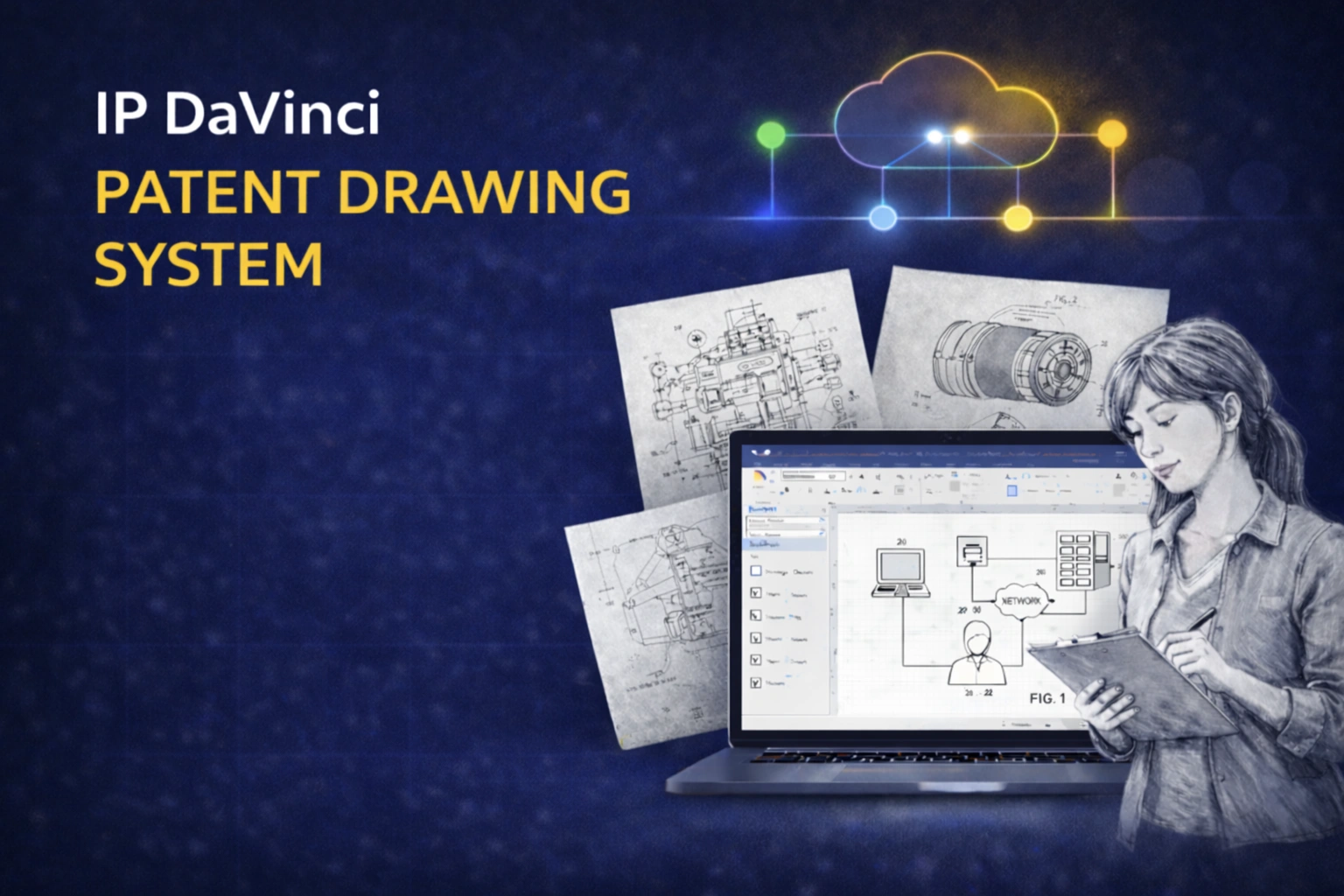
System Overview: How Everything Fits Together
Watch this once to understand the big picture. The hands-on training comes next.
What This Orientation Covers
The goal is understanding — not mastery (yet).
The Big Picture
How Patent Drawings Fit Into Real Workflows
Why drawings become bottlenecks — and how a system approach fixes that.
- ✔ Where time is lost in traditional drawing workflows
- ✔ Why ad-hoc tools create redraw cycles
- ✔ How a standardized system changes the economics
The System
Three Layers Working Together
How the IP DaVinci System combines platform, skills, and tools.
- ✔ Microsoft Visio as the diagram-native canvas
- ✔ Targeted training (only what matters for patent figures)
- ✔ Toolkit templates and stencils that lock in standards
Real Usage
How the System Is Used Day-to-Day
What happens in practice — not theory.
- ✔ From rough inventor sketches to clean figures
- ✔ How attorneys, assistants, and drafters collaborate
- ✔ Why everything stays in one editable file
Where You Fit
How You’ll Use This as a Student
How the masterclass lessons connect to real-world workflows.
- ✔ Why you’re learning these specific Visio skills
- ✔ How assignments map to real patent work
- ✔ How to think like a practitioner, not a drafter
How to Use This Video
Watch this once before starting the lessons.
This walkthrough is designed to give you context — not instructions. You are not expected to follow along or take notes.
As you go through the masterclass:
- You’ll recognize where each skill fits in the bigger workflow
- You’ll understand why certain conventions matter
- You’ll see how your assignments mirror real patent production
If something doesn’t make sense yet, that’s normal. The hands-on lessons will make it clear.
Ready to Start the Masterclass?
Now that you’ve seen the system in action, let’s begin building the skills step by step.