MASTERCLASS ORIENTATION (≈15 MIN)
Understand the system before you start
A quick walkthrough so everything you learn next makes sense.
Before jumping into the lessons, this short video shows how the IP DaVinci System works end-to-end in real patent workflows — from rough ideas to filing-ready drawings.
You don’t need to take notes or follow along. Just watch it once so the rest of the training clicks faster.
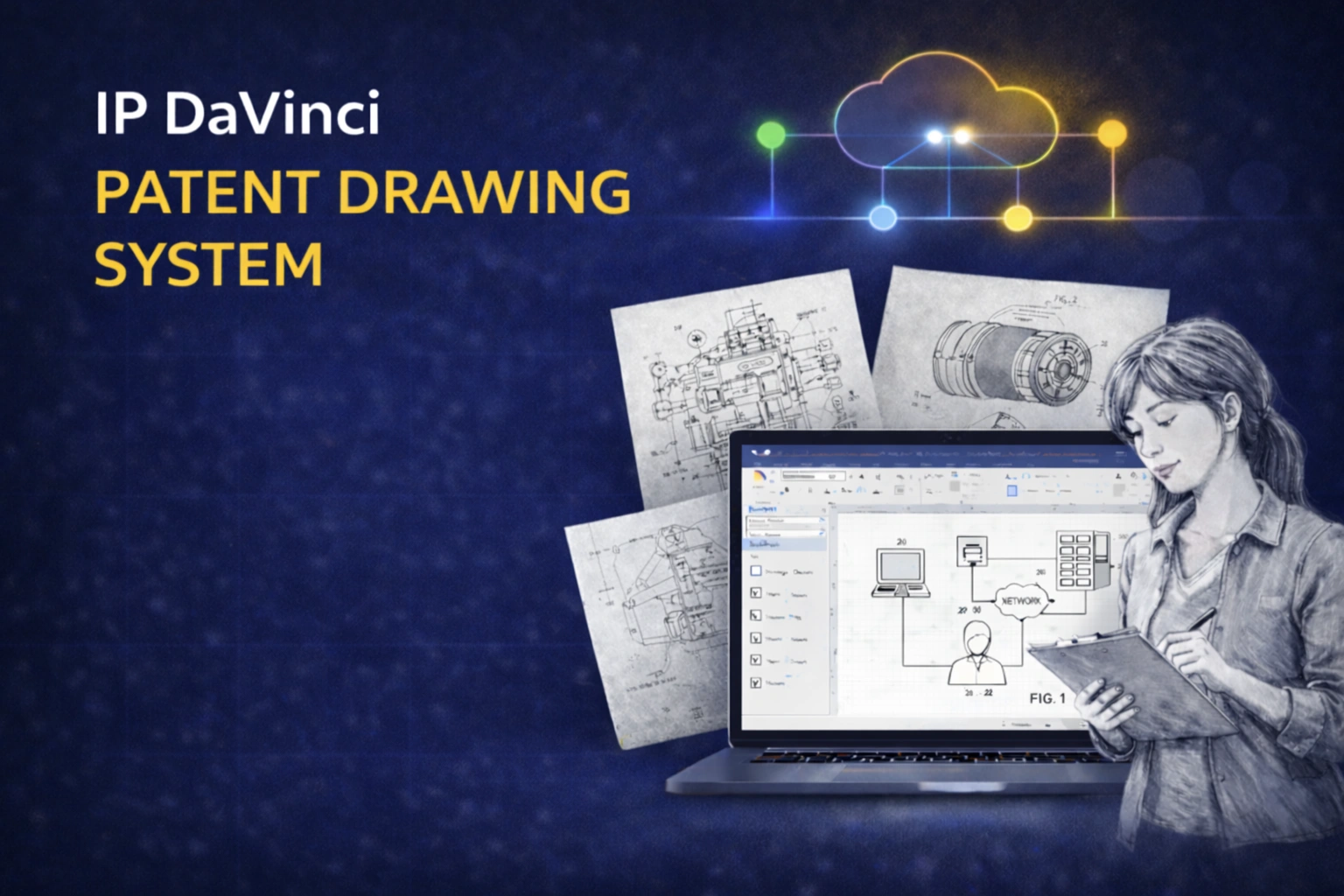
System Overview: How Everything Fits Together
Watch this once. The hands-on learning comes next.
What This Orientation Gives You
Clarity before execution.
CONTEXT
The Big Picture
Understand how patent drawings fit into real workflows.
- ✔ Why drawings become bottlenecks
- ✔ Where time is typically lost
- ✔ What a system changes
STRUCTURE
How the System Is Built
See how everything connects before you learn the details.
- ✔ Visio as the working environment
- ✔ Training as the method
- ✔ Toolkit as the production layer
REAL USE
How It Works in Practice
What happens in real-world scenarios.
- ✔ From rough ideas to structured figures
- ✔ How roles collaborate
- ✔ Why everything stays editable
YOUR ROLE
How You’ll Use It
How the training connects to real work.
- ✔ Why you’re learning specific skills
- ✔ How exercises map to real tasks
- ✔ How to think like a practitioner
How to Use This Orientation
Watch this once — then move on.
This video is here to give you context, not instructions.
You are not expected to:
- memorize anything
- take notes
- understand every detail
As you go through the lessons, things will naturally connect.
You’ll start to recognize:
- where each step fits
- why certain conventions matter
- how your work maps to real patent workflows
If something feels unclear now — that’s normal. The hands-on lessons are designed to make everything click.
Common Questions
Is this part of the training?
No. This is an orientation video. The actual training happens in the masterclass lessons.
Do I need to understand everything before starting?
No. This video is just for context. The lessons assume no prior knowledge.
Will I see this again later?
Yes. The same workflows will appear throughout the course, but broken down into clear steps.
What if I get stuck?
Support and guidance are available. You are not expected to figure everything out alone.