15-MINUTE WALKTHROUGH
See how the IP DaVinci system actually works
A practical walkthrough for patent attorneys, agents, and IP teams.
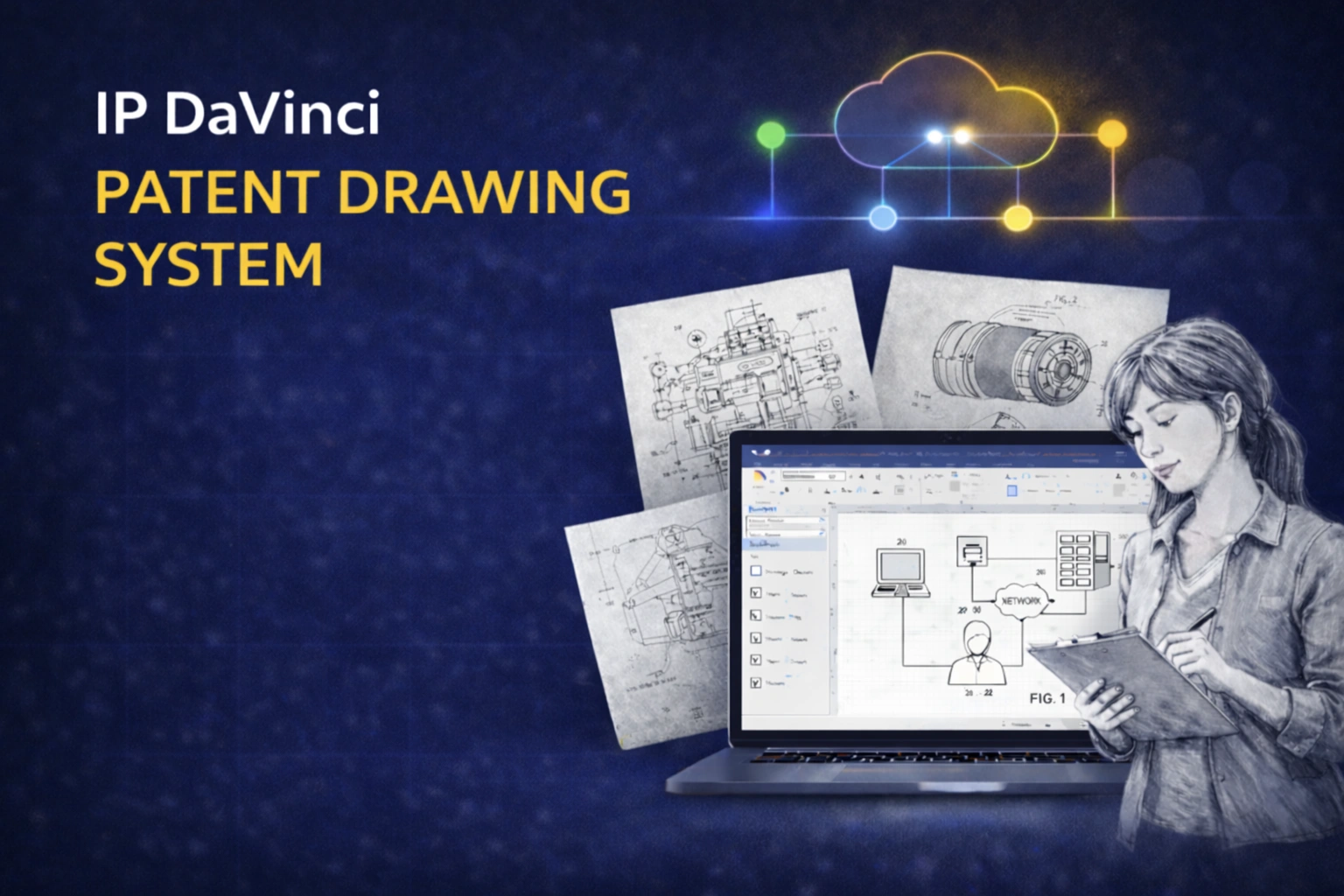
Watch the 15-Minute Demo
Quickly understand how the system works and whether it fits your workflow.
What You’ll See in the Demo
From problem → system → workflow → rollout.
THE PROBLEM
Where drawing work slows things down
Why drawings become a bottleneck in many practices.
- ✔ Vendor back-and-forth
- ✔ Revision delays
- ✔ Hidden coordination costs
THE SYSTEM
How IP DaVinci solves it
A simple system built on familiar tools.
- ✔ Microsoft Visio as the platform
- ✔ Targeted training (only what you need)
- ✔ Templates and stencils that enforce standards
THE WORKFLOW
One file, multiple roles
How work moves from concept to filing without conversions.
- ✔ Inventor → attorney → assistant
- ✔ Edits happen in the same file
- ✔ Clean export for filing
ACCESS
How teams actually use it
Flexible setup depending on your environment.
- ✔ Local Visio when available
- ✔ Cloud access when needed
- ✔ Fast onboarding
ROI
Impact and rollout
How teams evaluate and adopt the system.
- ✔ Reduced vendor cost
- ✔ Faster turnaround
- ✔ Simple pilot approach
What Changes After Adoption
More control. Less friction.
Keep drawings editable
Work in one file instead of waiting on redraws.
- ✔ Faster revisions
- ✔ Less dependency on vendors
- ✔ Better responsiveness
Move faster
Reduce delays in drafting and amendments.
- ✔ Shorter cycles
- ✔ Less coordination
- ✔ More predictable timelines
Lower cost
Handle routine work in-house.
- ✔ Reduce vendor spend
- ✔ Use specialists only when needed
- ✔ Better resource allocation
Is This a Fit?
This system is a good fit if:
- Drawings slow down your workflow
- You rely on vendors for routine changes
- You want more control and faster revisions
It may not be necessary if:
- You already handle drawings efficiently in-house
- You rarely deal with revisions or iteration
Most firms know within one walkthrough whether this is relevant.
Ready to evaluate this for your firm?
See pricing or book a short call to discuss fit.