ASYNC WALKTHROUGH (≈15 MIN)
See the IP DaVinci Patent Drawing System in Action
A concise system overview for corporate R&D and engineering teams — focused on speed, clarity, and keeping drawings editable through filing.
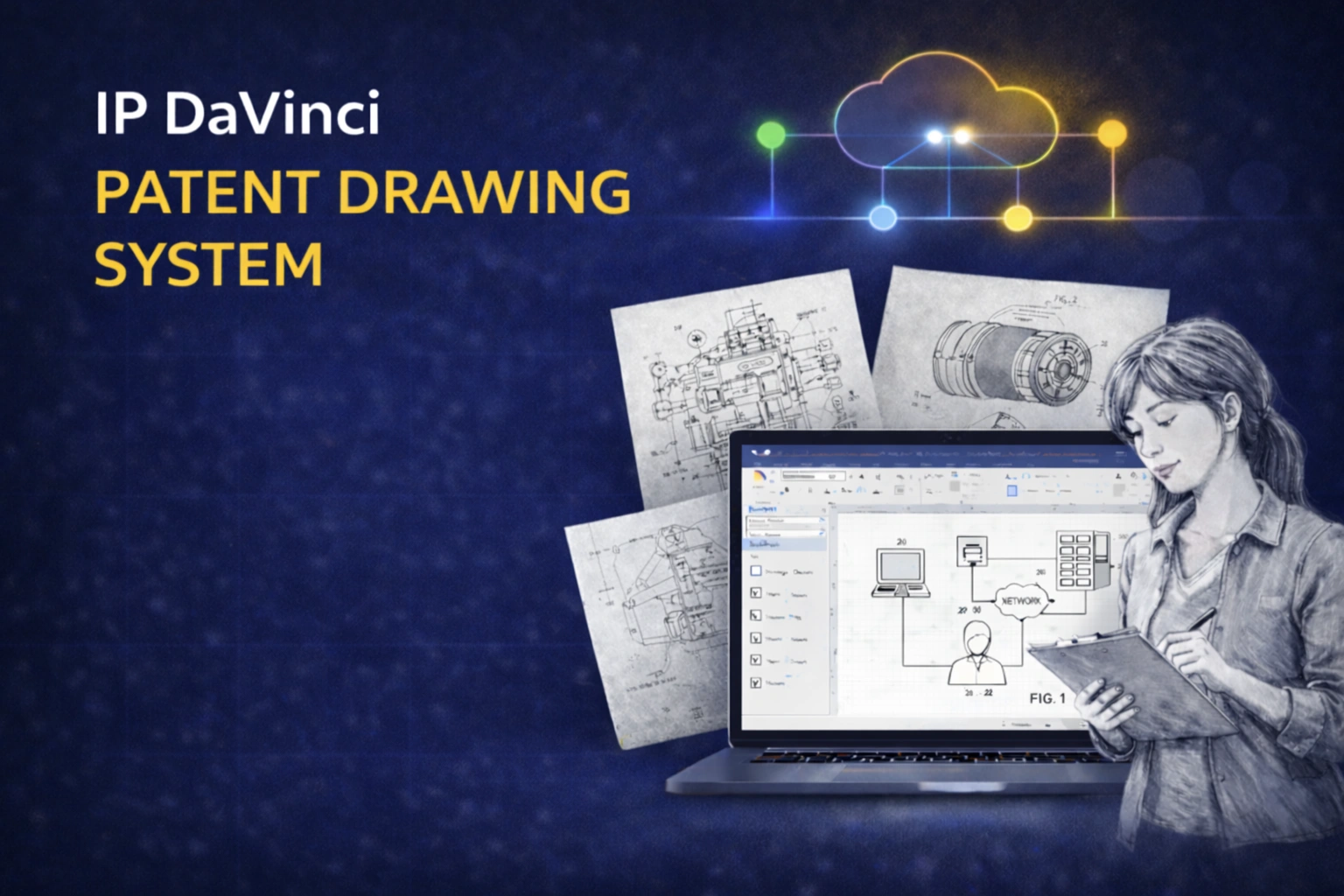
Watch the ≈15-Minute Walkthrough
This is not training — it’s a high-level system demo so you can evaluate fit before you commit.
What This Demo Covers
A full system overview — from the workflow problem to implementation, access, and ROI for R&D organizations.
The Problem
Where Patent Figures Slow the Pipeline
How slow figure creation and redraw cycles add friction between invention disclosure, counsel review, and filing.
- ✔ Engineers aren’t trained in patent drawing
- ✔ Ad-hoc visuals create ambiguity and rework
- ✔ Redraw cycles delay filing and amendments
- ✔ Vendor costs + queue time add avoidable friction
The System
Three Layers Working as One
The IP DaVinci System combines a familiar platform with targeted skills and patent-specific tools.
- ✔ Platform: Microsoft Visio (diagram-native workflow)
- ✔ Skill: micro-training (only what you need to be productive)
- ✔ Tools: Toolkit templates & stencils (standards baked in)
The Workflow
One File From Concept → Filing
How engineering, IP counsel, and support staff can iterate inside one Visio document without conversions.
- ✔ Engineer captures the concept quickly using reusable shapes
- ✔ Counsel restructures + annotates with consistent conventions
- ✔ Support staff formalizes; optional specialist page work
- ✔ Export clean monochrome vector PDF for filing
Access
Local Visio or Managed Cloud Workspace
How teams handle access across devices and environments.
- ✔ Visio often already available via Microsoft 365
- ✔ Cloud option for browser-based access when needed
- ✔ Toolkit pre-configured; quick time-to-productivity
ROI + Rollout
Quantified Impact + Simple Implementation
How to implement without burdening engineering teams — and where the savings show up.
- ✔ Lower external drawing spend
- ✔ Faster invention intake + clearer disclosures
- ✔ Shorter revision loops for amendments
- ✔ Pilot-first rollout or broader deployment
- ✔ Quality + security overview (files stay in your systems)
Why R&D Teams Adopt the System
Move inventions faster from disclosure to filing with fewer redraw cycles and less coordination overhead.
Faster Disclosure & Iteration
Capture and refine figures in minutes so technical ideas don’t stall waiting for redraws.
- ✔ Quicker intake meetings
- ✔ Same-day adjustments
- ✔ Shorter revision loops
Better Clarity for Counsel
Standardized diagrams reduce ambiguity, improve handoffs, and strengthen alignment between engineering and IP.
- ✔ Cleaner technical communication
- ✔ Consistent conventions
- ✔ Less back-and-forth
Lower Total Cost
Handle routine diagram-style figures internally and reserve vendors for specialized pages only when needed.
- ✔ Reduced vendor dependence
- ✔ Fewer redraw charges
- ✔ Predictable internal workflow
Want to See If This Fits Your Invention Workflow?
Watch the walkthrough, then reach out if you want a proposal or a short fit discussion.