ASYNC WALKTHROUGH (≈15 MIN)
See the IP DaVinci Patent Drawing System in Action
A concise system overview for universities — focused on speed, standardization, and keeping patent figure work under control.
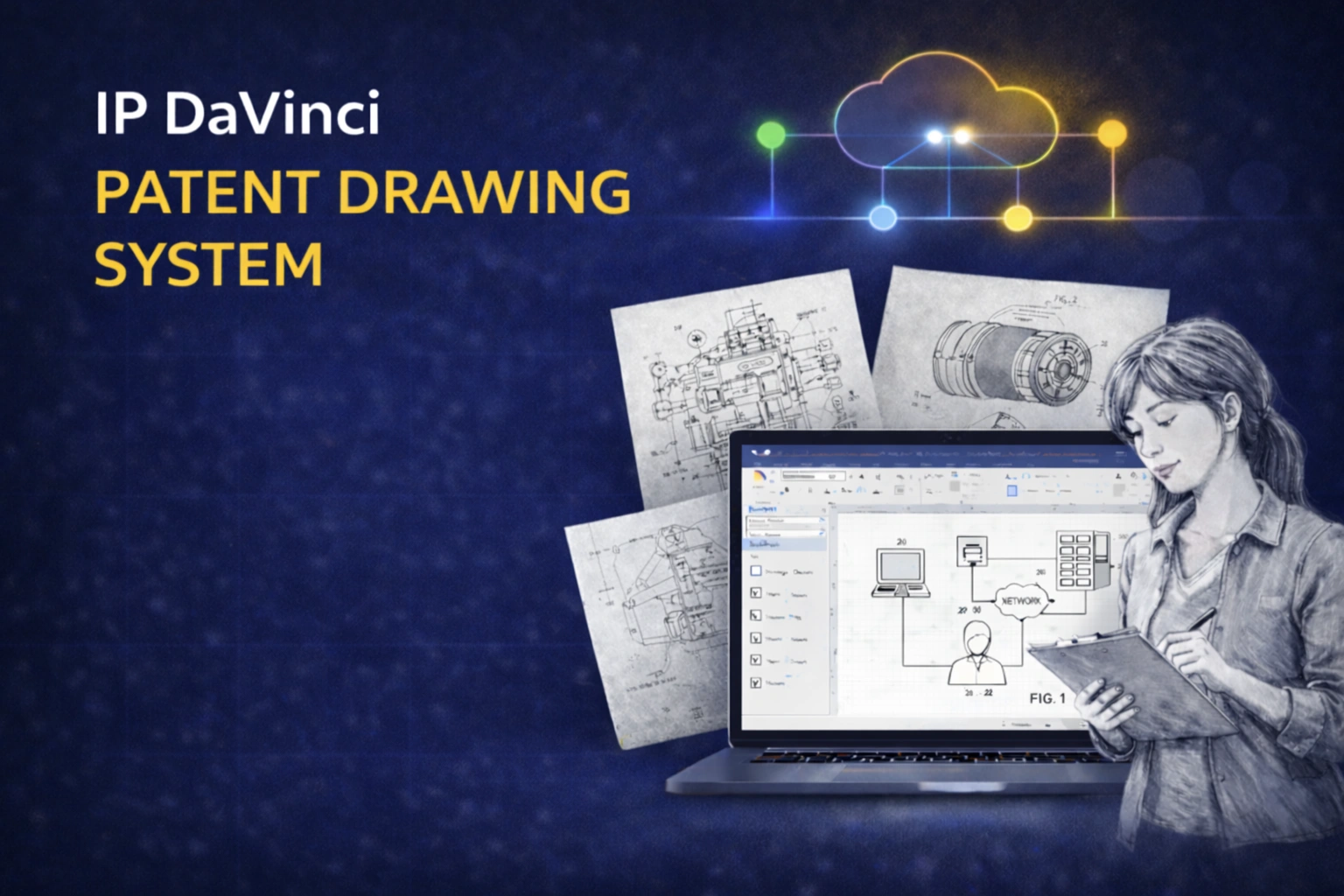
Watch the ≈15-Minute Walkthrough
This is not training — it’s a high-level system demo so you can evaluate fit before you commit.
What This Demo Covers
A full system overview — from the workflow problem to implementation, cloud access, and ROI in academic environments.
The Problem
Why Patent Figures Consume Research Time
Where time and cost creep in when faculty and grad researchers rely on ad-hoc visuals or repeated redraw cycles.
- ✔ Most researchers aren’t trained in patent drawing
- ✔ PowerPoint / pen-and-paper workflows create rework
- ✔ Hours per figure + more hours on adjustments
- ✔ Vendor costs (~$750 per application) + queue time
The System
Three Layers Working as One
The IP DaVinci System integrates a familiar platform with targeted skills and patent-specific tools.
- ✔ Platform: Microsoft Visio (diagram-native workflow)
- ✔ Skill: Patent Drawing School micro-training (only what you need)
- ✔ Tools: Toolkit templates & stencils (standards baked in)
The Workflow
Collaboration Example: One File, Multiple Roles
How a single Visio file moves from rough concept to patent-office-ready without conversions.
- ✔ Fast capture using templates + reusable shapes
- ✔ Rapid annotation using the dedicated stencil
- ✔ Optional specialist page work without breaking the master file
- ✔ Export clean monochrome vector PDF for filing
Access
Local Visio or Managed Cloud Workspace
How universities handle software access — including Mac users and non-Windows environments.
- ✔ Visio often already available via Microsoft 365
- ✔ Cloud option for browser-based access when needed
- ✔ Toolkit pre-configured; productivity in 3–5 hours
ROI + Rollout
Savings + Low-Friction Implementation
How to think about vendor savings, time recovery, and rollout without adding burden to faculty or staff.
- ✔ Vendor baseline vs in-house handling
- ✔ Research time reclaimed (hundreds of hours/year)
- ✔ Pilot group → scale, or campus-wide enablement
- ✔ Optional integration into graduate programs as a practical skill module
- ✔ Quality + security overview (work stays in your systems)
Why Universities Adopt the System
Protect IP faster while giving research teams a repeatable way to produce clear, compliant figures.
Faster, Same-Day Iteration
Turn figure work into minutes so changes happen fast and time-to-filing shortens.
- ✔ Fewer redraw cycles
- ✔ Less ambiguity after meetings
- ✔ Reduced deadline pressure
Lower Vendor Dependence
Handle routine diagram-style figures in-house and reserve specialists only for the hard pages.
- ✔ Reduced vendor spend
- ✔ Less queue time
- ✔ More predictable outcomes
More Research Time Recovered
Reduce time spent on figures so researchers can focus on research, publications, grants, and presentations.
- ✔ Fewer hours per figure
- ✔ Reusable templates + shapes
- ✔ Consistent, clean outputs
Want to Evaluate Fit for Your Program or Campus?
Watch the walkthrough, then reach out for academic pricing and rollout options.