15-MINUTE WALKTHROUGH
See how universities standardize invention figures across research and TTO
A practical system overview for academic leadership, TTO teams, and research programs.
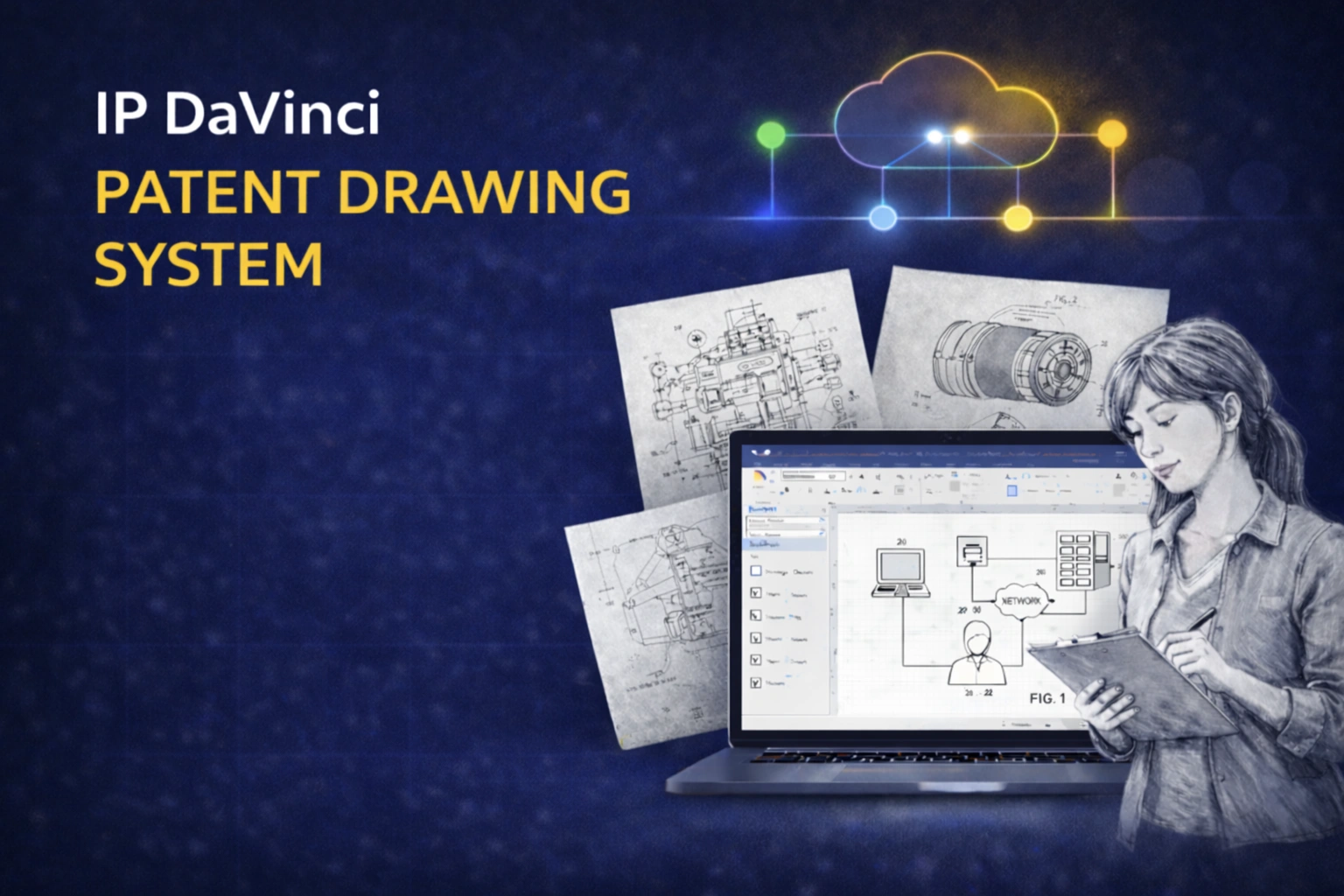
Watch the 15-Minute Demo
Understand how the system works and whether it fits your research and TTO workflow.
What You’ll See in the Demo
From research bottlenecks → system → rollout across departments.
THE PROBLEM
Where invention visuals slow the pipeline
Why disclosures and patent preparation become inefficient.
- ✔ Researchers use inconsistent formats (slides, sketches, screenshots)
- ✔ TTO teams spend time interpreting instead of evaluating
- ✔ Redraw cycles delay filing decisions
- ✔ Vendor costs and queue time add friction
THE SYSTEM
How IP DaVinci standardizes the process
A simple system built on familiar tools.
- ✔ Microsoft Visio as the platform
- ✔ Focused training for researchers and staff
- ✔ Templates that enforce structure automatically
THE WORKFLOW
One file across research → TTO → counsel
How figures move without rework.
- ✔ Researcher captures the invention clearly
- ✔ TTO evaluates without reinterpretation
- ✔ Counsel works from structured inputs
- ✔ Revisions happen in the same file
ACCESS
Flexible deployment across campus
Works in real academic environments.
- ✔ Visio often already included via Microsoft 365
- ✔ Cloud option for mixed-device environments
- ✔ Fast onboarding for labs and cohorts
ROLLOUT
Pilot → standardize → scale
How universities implement without disruption.
- ✔ Start with one lab or department
- ✔ Align disclosure structure across teams
- ✔ Expand across programs or campus
- ✔ Optional integration into coursework
What Improves at the Institutional Level
Better inputs → faster decisions → stronger IP outcomes.
Higher-quality disclosures
Structured figures make inventions easier to evaluate.
- ✔ Clearer embodiment communication
- ✔ Less ambiguity
- ✔ Fewer clarification loops
Faster disclosure-to-filing decisions
TTO and counsel work from clearer inputs.
- ✔ Shorter review cycles
- ✔ Faster go/no-go decisions
- ✔ Same-day iteration when needed
Reduced vendor dependence
Routine figure work can be handled internally.
- ✔ Lower external costs
- ✔ Less queue time
- ✔ More predictable workflow
Is This a Fit for Your Institution?
This system is a strong fit if:
- Your TTO receives inconsistent or unclear invention visuals
- Disclosure review requires interpretation and follow-up
- Filing timelines are slowed by redraw cycles or coordination
It may not be necessary if:
- Your current disclosure process is already standardized and efficient
- Figure preparation rarely creates delays
Most institutions know within one walkthrough whether this will improve their workflow.
Want to evaluate this for your program or campus?
See pricing or book a short call to discuss a pilot.