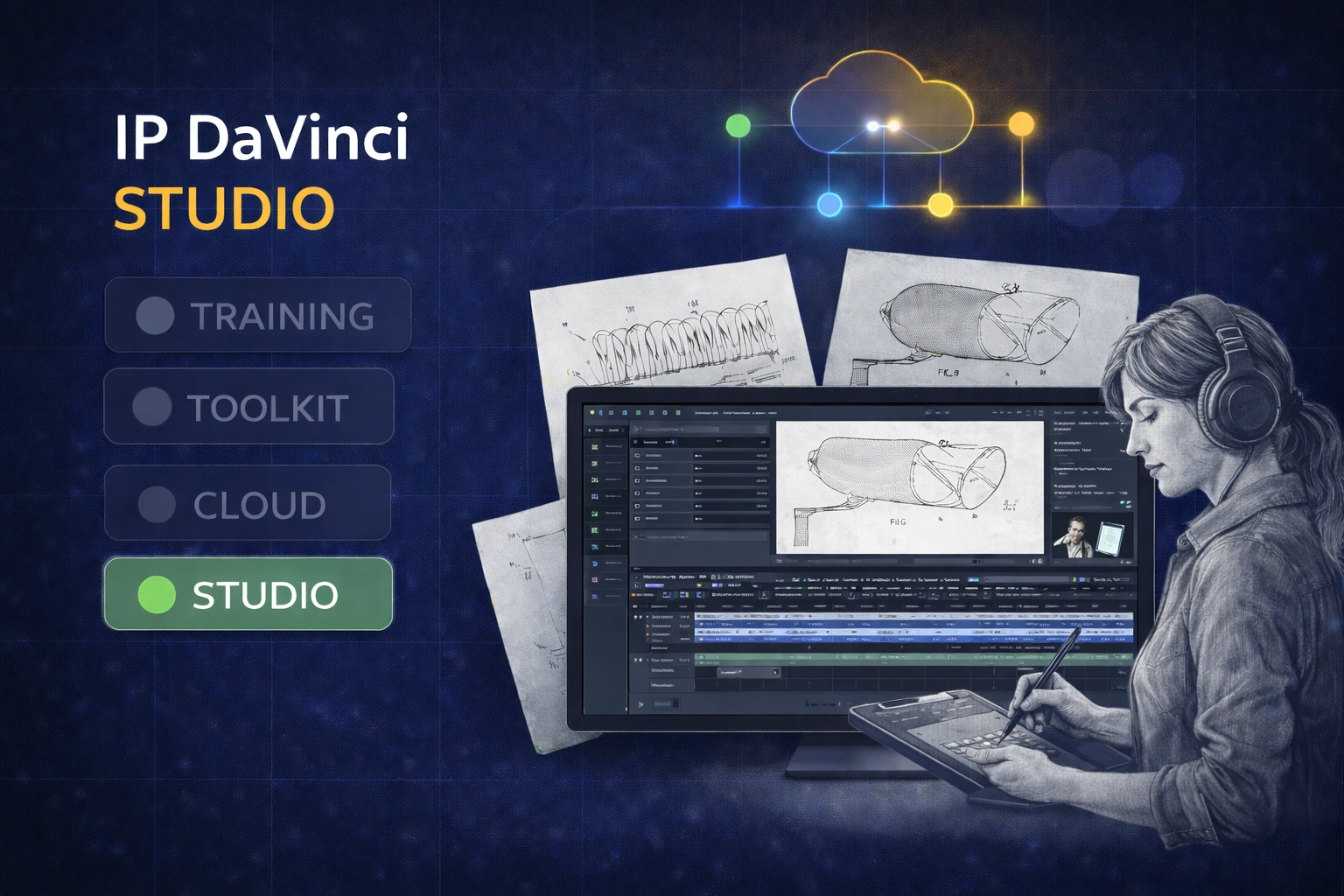
SYSTEM LAYER — DONE FOR YOU

When You Want Drawings Done for You

IP DaVinci Studio delivers patent-ready figures using the same system included with the Starter Package.

Studio is the done-for-you layer of the IP DaVinci System. Use it when work is complex, time-sensitive, or better delegated — without breaking consistency or locking yourself out of future edits.
IP DaVinci Studio patent drawing service

SYSTEM NOTE

Studio is optional. Most users produce drawings in-house with the Starter Package and delegate only when needed.

What IP DaVinci Studio Provides

Specialist drawing support without breaking your workflow.

Utility Drawings

System-Compatible Utility Figures

Utility drawings delivered in a format you can edit later.

  • System diagrams, flowcharts, methods, and GUIs
  • Aligned with IP DaVinci Toolkit conventions
  • Editable Visio files for ongoing internal use

Design Patents

STIPPLES® Design-Patent Drawings

High-clarity stipple-shaded figures for design patent filings.

  • Specialized STIPPLES® workflow
  • Consistent, examiner-friendly presentation
  • Ideal for design-focused filings

Flexibility

Use Studio Only When Needed

No subscription required.

  • Per-figure or per-project engagement
  • Ideal for overflow or tight deadlines
  • Keeps internal teams focused on higher-value work

What Users Achieve with Studio

Extra capacity when you need it — without changing how you work.

Faster Turnaround on Complex Work

Delegate drawings that would otherwise slow your team down.

  • Meet filing deadlines
  • Handle peak workloads
  • Reduce internal bottlenecks

Consistency with In-House Work

Studio output fits directly into your existing system.

  • Toolkit-compatible utility drawings
  • Easier review and revision cycles
  • No format translation required

A Scalable Safety Valve

Expand capacity without adding permanent headcount.

  • Use only when needed
  • No training overhead for short-term spikes
  • Predictable, project-based engagement

Studio Engagement Model

On-demand drawing support, aligned with the IP DaVinci System.

IP DaVinci Studio

Project-based

Pricing depends on figure type, complexity, and scope

Done-for-you patent drawings that stay compatible with your system.

Ideal for: Teams and individuals who want to delegate specific drawing tasks without losing control or consistency.

Best practice:
Most users handle straightforward drawings internally using the Starter Package, and delegate complex or time-sensitive work to Studio only when needed.

Tip: Many teams keep IP DaVinci Maintenance & Support enabled for ongoing toolkit updates, support, and Studio credits.
Discuss Studio Engagement

What’s Included

  • Utility and design patent drawings
  • Utility drawings created in Visio using IP DaVinci conventions
  • Editable Visio deliverables for internal review, revision, and reuse

How Studio Fits into the IP DaVinci System

Studio is the delegation layer of the IP DaVinci System.

  • Starter Package gives you the training + Toolkit so you can produce drawings in-house.
  • Maintenance & Support keeps the system current with updates, guidance, and Studio credits.
  • Studio provides expert assistance when you choose to delegate.

Typical usage:

  • Start with the Starter Package to learn and produce internally.
  • Use Studio for complex figures, design patents, or peak workloads.
  • Keep everything consistent by staying within the same system.

Who Studio Is For

Delegation without disruption.

Law Firms & IP Boutiques

  • Handle overflow during filing peaks
  • Delegate complex or time-sensitive figures
  • Maintain consistency across matters

Corporate IP & R&D

  • Support invention disclosures and filings
  • Reduce internal drawing load
  • Keep engineering teams focused

Universities & Academic Programs

  • Support clinics and capstone projects
  • Supplement student-produced work
  • Use selectively for complex figures

Individuals & Practitioners

  • Delegate drawings when time is limited
  • Use Studio while building internal skills
  • Avoid hiring full-time drawing staff

Need Help with Patent Drawings?

Use Studio when you want drawings done for you — without breaking your system.

Frequently Asked Questions

Is Studio required to use IP DaVinci?
No. Studio is optional. Most users start with the Starter Package and use Studio only when they want drawings done for them.
Are Studio drawings editable later?
Yes. Utility drawings are delivered in a Toolkit-compatible Visio format, allowing full in-house editing and reuse.
Does Studio replace the Starter Package?
No. The Starter Package is how most users adopt the system and produce drawings in-house. Studio is a separate, optional service for delegated work.
What is IP DaVinci Maintenance & Support?
It’s the optional annual plan for active users. It keeps the Toolkit current with updates, provides system guidance, and includes Studio credits.
Is Studio suitable for design patents?
Yes. Design patent drawings are produced using the STIPPLES® workflow.
Can Studio be used occasionally?
Yes. Studio is engaged per project or per figure. There is no ongoing commitment or subscription.