THE PRODUCTION ENGINE
This is what actually produces the drawings
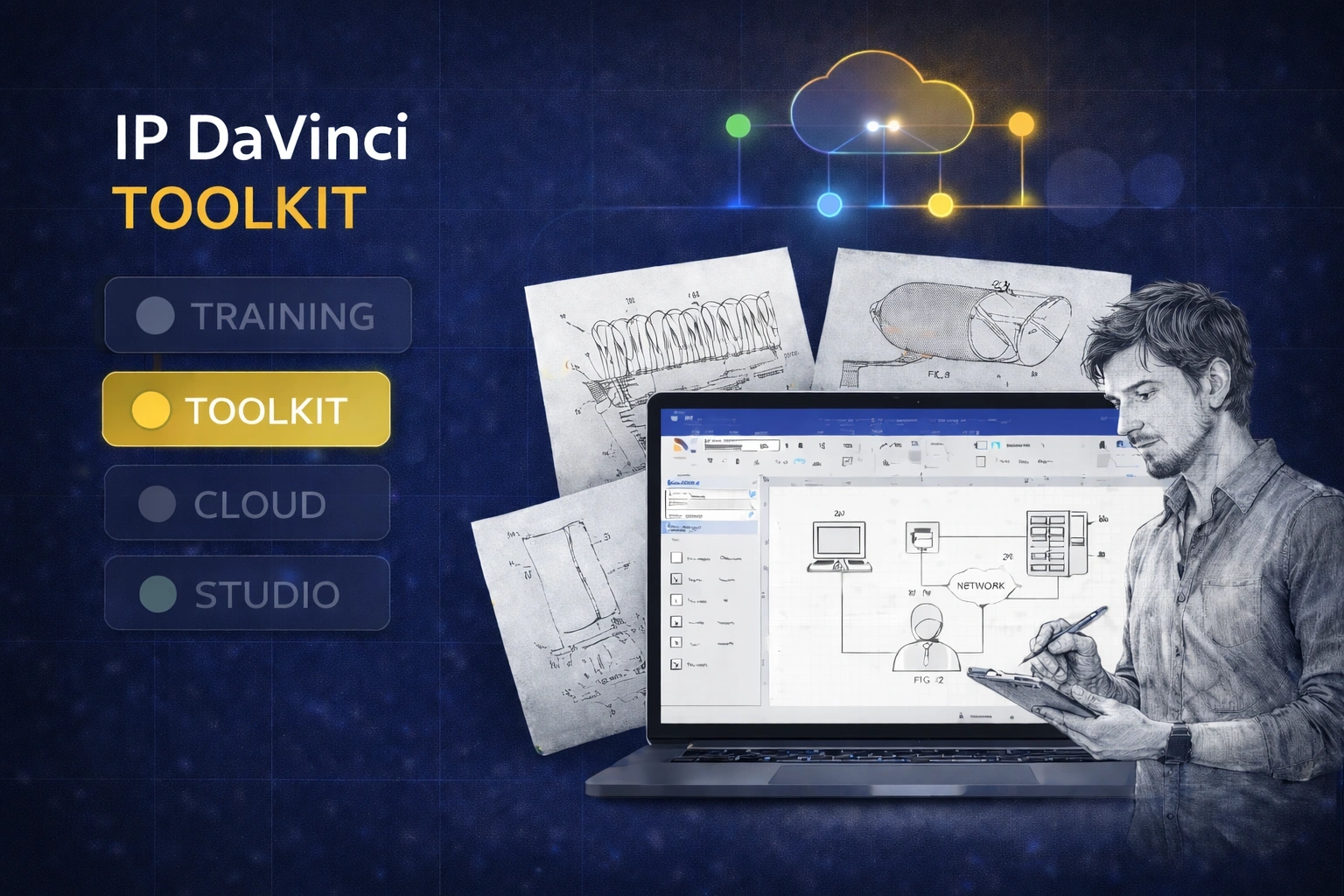
Templates and stencils that turn Visio into a structured, patent-ready drawing system.
Important
The Toolkit is not sold separately. It is included with the Starter Package (Training + Toolkit), which is required for real production use.
What You Get with the Toolkit
Everything pre-built so you can focus on the drawing — not setup.
TEMPLATES
Start Every Drawing Correctly
No setup, no guessing.
- ✔ Proper margins and layout built-in
- ✔ Consistent page structure
- ✔ Automatic numbering and formatting
STENCILS
Reusable Building Blocks
Use shapes designed for real patent work.
- ✔ Annotations and reference numbers
- ✔ Flowcharts and system diagrams
- ✔ GUI elements, tables, and symbols
CONSISTENCY
Everything Looks the Same
Across cases, teams, and time.
- ✔ Standard visual language
- ✔ Cleaner reviews
- ✔ Less formatting correction
What This Changes
Less setup. Less rework. Faster output.
Work Faster
Stop rebuilding layouts every time.
- ✔ No manual setup
- ✔ Faster figure creation
- ✔ Quick revisions
Reduce Errors
Follow built-in structure instead of guessing.
- ✔ Consistent formatting
- ✔ Fewer corrections
- ✔ Cleaner output
Stay Consistent
All drawings follow the same standard.
- ✔ Across users
- ✔ Across matters
- ✔ Across time
How It Fits
The Toolkit is the production layer.
It is what you actually use to create drawings.
But by itself, it is not enough.
- Training teaches you how to use it
- Toolkit enables production
- Starter Package = both together
That’s why the Toolkit is included with the Starter Package.
Who Uses It
Anyone producing patent drawings.
Law Firms
- Standardize output
- Reduce rework
Corporate Teams
- Align engineering and IP
- Improve handoffs
Universities
- Use structured templates
- Support coursework
Individuals
- Work independently
- Avoid outsourcing
Get the Toolkit with the Starter Package
Training + Toolkit = everything you need to start.