SYSTEM LAYER — TRAINING

Learn the IP DaVinci Drawing Method

Structured training for creating patent-ready figures in Microsoft Visio.

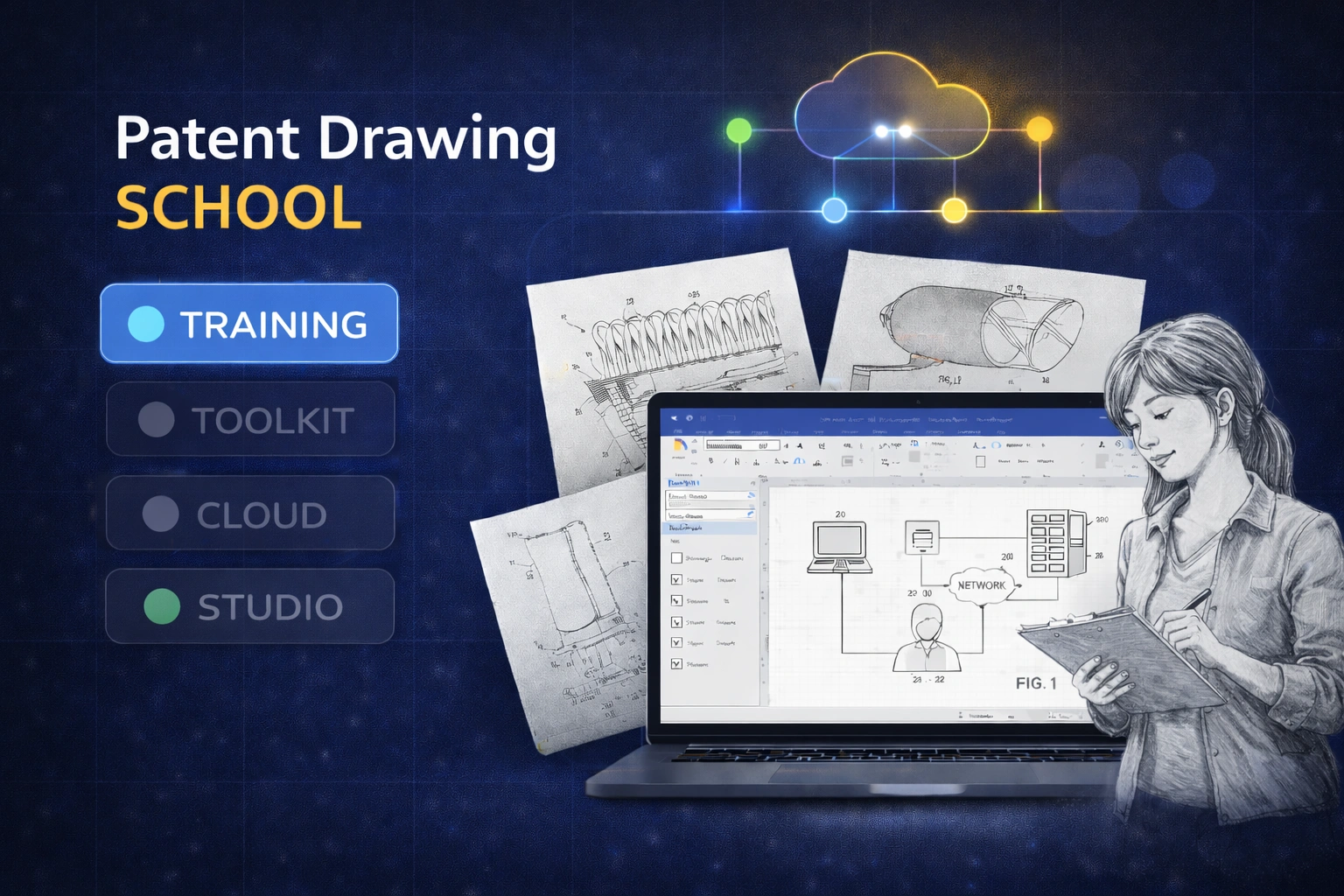
Patent Drawing School — Visio Edition is the training layer of the IP DaVinci System. It teaches the method, conventions, and workflows used across the Starter Package, Toolkit, Cloud, and Studio.
Patent Drawing School Visio training

SYSTEM NOTE

Training-only access is intended for education, evaluation, or academic use. Professionals doing production work should start with the Starter Package

TRAINING + CERTIFICATION

Patent Drawing School — Visio Edition

Role-based training aligned with real patent drawing work.

Patent Drawing School teaches the IP DaVinci System for producing patent-ready figures in Microsoft Visio. It is both instruction and a structured certification framework. Training is included in the Starter Package for professionals. Academic and evaluation use cases may access Training independently.

ROLE-BASED LEARNING

Learn only what applies to your role

Training is modular and role-based. Attorneys, paralegals, engineers, reviewers, and students follow different Learning Paths depending on how they interact with patent drawings.

Note

There is no requirement to complete every module. Most learners focus only on lessons relevant to their responsibilities.

What the Training Covers

Practical instruction aligned with real patent drawing workflows.

VISIO

Visio, Simplified for Patent Drawings

We teach only the Visio features actually used in patent drawing work.

  • Focused toolset used in practice
  • Fast edits: text, connectors, alignment, page setup
  • Habits that prevent redraw and cleanup later
METHOD

A Repeatable Drawing Workflow

A consistent method for producing and revising patent-ready figures.

  • Figure planning and layout
  • Structured revision workflow
  • No redraw dependency
FIGURE TYPES

The Figures You Actually Draw

Training focuses on real-world utility patent figures.

  • Flowcharts and system diagrams
  • GUI figures, graphs, and tables
  • Image tracing into line art
PRACTICE

Guided Examples and Exercises

Hands-on instruction with step-by-step walkthroughs.

  • Downloadable practice files
  • Every action explained
  • Compare your approach to a worked solution

Learning & Certification Paths

Self-selected or instructor-defined.

Path 1 — Fundamentals

Core Visio skills used in patent drawing work.

  • Selection, alignment, spacing
  • Labeling and cleanup
  • Basic figure adjustments
Path 2 — Diagram-Type Figures

Flowcharts and system/process diagrams.

  • Flowcharts
  • System diagrams
  • Connectors and layout discipline
Path 3 — Full Utility Drawing Skills

Complete drafting capability across major utility figure types.

  • Flowcharts and system diagrams
  • Image tracing
  • Tables, graphs, and GUI figures
Path 4 — Drawing Quality Reviewer

Designed for reviewers and inspectors.

  • Inspect full drawing sets
  • Identify standards violations
  • Find formatting and numbering issues

What Learners Gain from Training

Understanding first. Confident production follows.

Standards Confidence

Learners understand how patent drawing rules are applied in practice.

  • Clear interpretation of utility drawing requirements
  • Better communication with reviewers
  • Fewer avoidable errors

Faster Work in Visio

Only the tools that matter — no unnecessary complexity.

  • Shorter learning curve
  • Quick, confident edits
  • Repeatable habits

One Shared Method

Everyone follows the same visual language.

  • Easier supervision
  • Cleaner delegation
  • Consistent output

Training-Only Access (Education & Evaluation)

Learning access without production tooling.

Patent Drawing School — Training

Available by arrangement

For education, evaluation, and academic programs.

Ideal for: Universities, students, evaluators, and teams assessing the IP DaVinci workflow.

Important:
Training-only access does not include the IP DaVinci Toolkit used for production work. Professionals should start with the Starter Package.
Ask About Training Access

What’s Included

  • Access to Patent Drawing School training modules
  • Role-based learning paths
  • Practice diagrams and reference examples
Academic programs:
Universities and instructors may qualify for discounted training access.

How Training Fits into the IP DaVinci System

Training is the learning layer of the IP DaVinci System.

  • Training teaches the method and standards.
  • Toolkit enables real production work (templates + stencils).
  • Maintenance & Support keeps the toolkit current and provides ongoing help.
  • Cloud Workspace solves access constraints.
  • Studio supports work you want to delegate.

Most professionals start with the Starter Package to learn the workflow and immediately apply it using the Toolkit.

Who Training Is For

Learning-first scenarios.

Universities & Academic Programs

  • Teach practical patent drawing skills
  • Support labs, clinics, and coursework
Discounts Available

Individuals & Students

  • Learn patent drawing fundamentals
  • Evaluate the IP DaVinci workflow

Teams Evaluating the System

  • Train before committing to production
  • Align stakeholders on one method
  • Transition smoothly to the Starter Package

Ready to Learn the Method?

Start with Training for education — or start with the Starter Package for real production work.

Frequently Asked Questions

Is Training enough to produce patent drawings?
Training teaches the method, but production work also requires the IP DaVinci Toolkit (templates + stencils), which is included with the Starter Package.
Can Training be used without the Starter Package?
Yes — for education and evaluation use cases. For professional production work, start with the Starter Package.
Is Training required to use the Toolkit?
Training is not required, but it is strongly recommended for correct adoption and consistent results.
Is Training suitable for students?
Yes. Training is widely used in universities and academic programs.
Can we start with Training and upgrade later?
Yes. Many organizations begin with Training for evaluation, then move to the Starter Package when ready to produce drawings.