INDIVIDUAL WORKFLOW SOLUTION

Create, revise, and maintain patent figures without CAD complexity

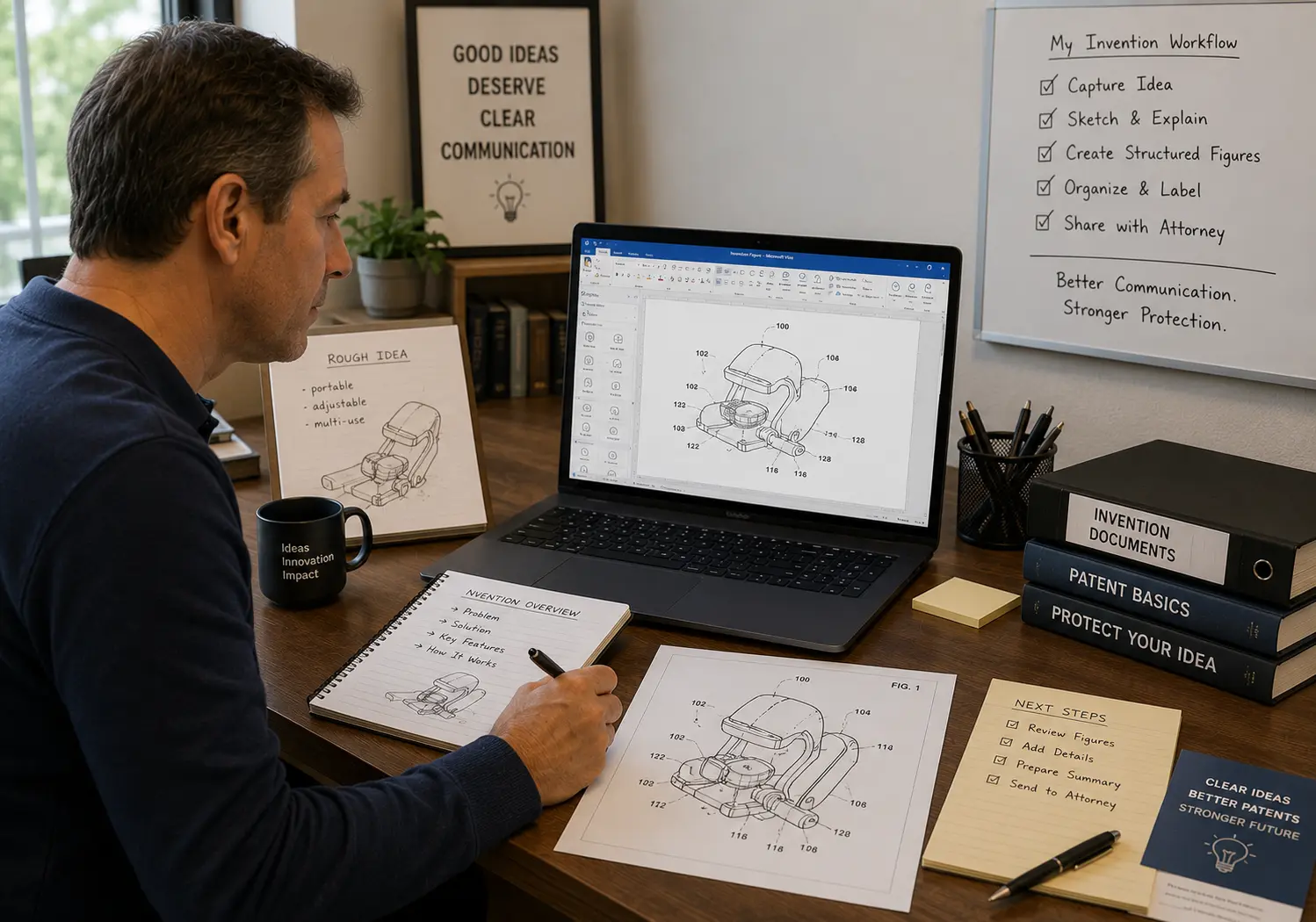
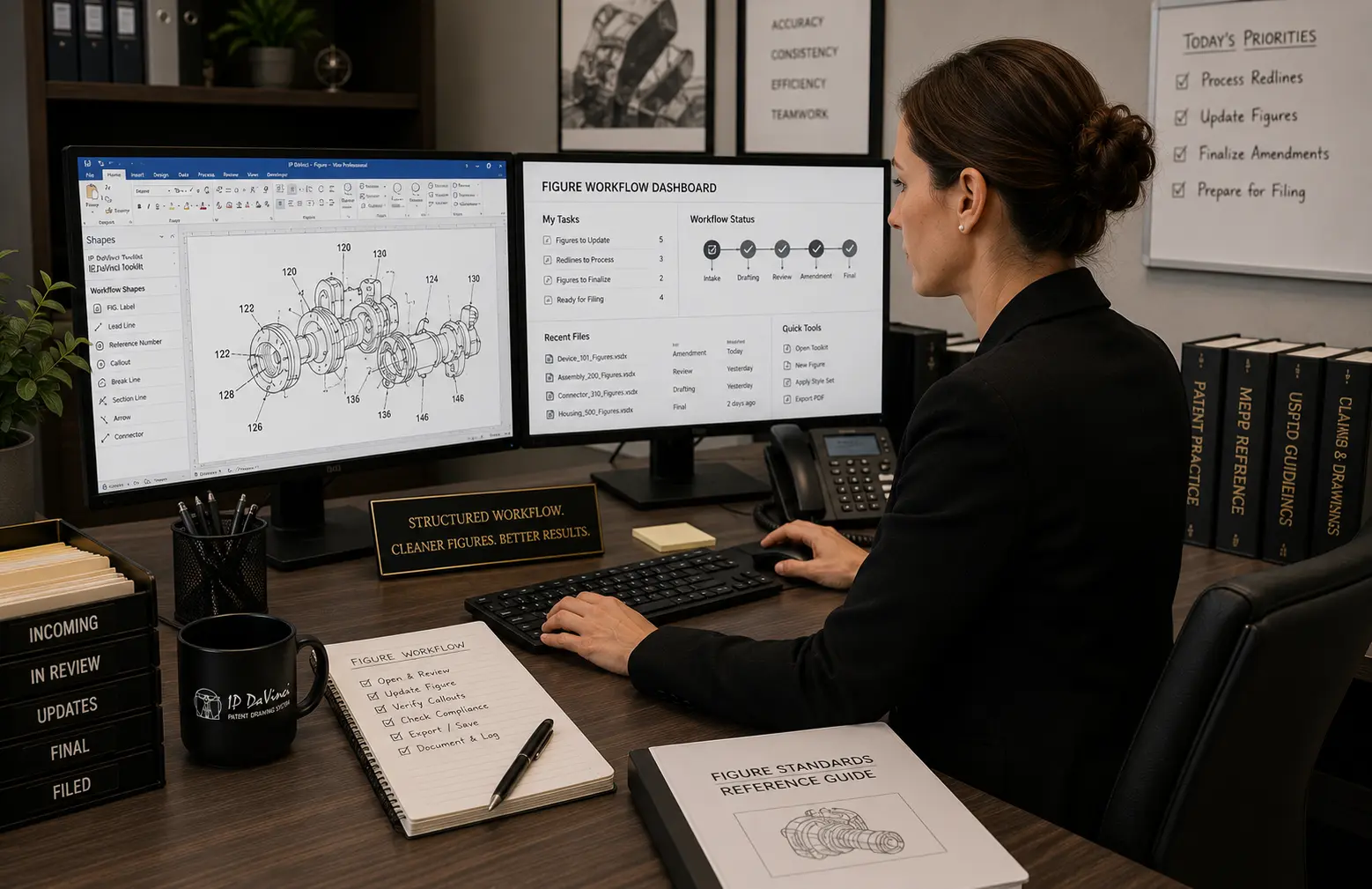
IP DaVinci is a structured editable workflow system designed to help individuals create clearer invention communication, handle revisions faster, maintain editable continuity, and reduce redraw dependency.

Individuals use the workflow system for: invention communication, patent figure preparation, amendments, Office Action revisions, annotation handling, and long-term editable workflow continuity.
Designed for solo practitioners, inventors, paralegals, support staff, and non-drafters.
Editable patent figure workflow system

INDIVIDUAL WORKFLOW ENVIRONMENTS

Designed for real individual workflows

Structured editable workflows designed for speed, revisions, clarity, and low operational friction.

Most individuals were never trained to work with patent figures directly.

As a result, many workflows become dependent on:

  • redraw vendors
  • repetitive revision cycles
  • disconnected figure files
  • formatting frustration
  • delayed updates
  • loss of editable continuity

IP DaVinci introduces structured editable workflows designed to help individuals: create, revise, and maintain invention communication more independently and efficiently.

No CAD or drafting background required

Designed specifically for non-drafters

Supports solo practitioners, inventors, and support staff

Maintains editable same-file continuity

Reduces redraw dependency

Supports live revision and collaboration workflows

Works with Microsoft Visio or optional Cloud Workspace

WORKFLOW BY INDIVIDUAL ROLE

One workflow system adapted for different individual environments

Different operational goals. Shared editable workflow continuity.

Patent Attorneys & Agents

Handle amendments, Office Actions, and revisions faster while reducing redraw dependency during prosecution.

  • Faster prosecution revisions
  • Editable continuity
  • Reduced vendor delays
  • Improved inventor responsiveness

Paralegals & Support Staff

Learn repeatable workflows for annotations, revisions, numbering, and prosecution support handling.

  • Structured workflow handling
  • Reduced revision confusion
  • Operational consistency
  • Greater workflow confidence

Inventors

Explain invention concepts more clearly, collaborate better with attorneys, and keep invention figures editable as ideas evolve.

  • Cleaner invention communication
  • Reduced misunderstanding
  • Better attorney collaboration
  • Lower redraw frustration

Where Individuals Use the Workflow System

One editable workflow structure — multiple real-world use cases.

Live Intake & Concept Clarification

Sketch, revise, and refine invention communication live during calls and reviews.

Routine Figure Creation

Create structured editable figures without depending entirely on redraw vendors.

Office Actions & Amendments

Revise figures directly inside editable workflows without reconstruction cycles.

Continuation & Revision Continuity

Maintain editable continuity across amendments, continuations, and related filings.

DIY Workflow + Optional Professional Support

Handle routine workflows independently while using Studio selectively for complex or time-sensitive matters.

What Individuals Operationally Gain

Faster revisions. Better control. Less dependency.

Editable Continuity

Maintain same-file continuity across revisions, amendments, and related filings.

  • Rapid revisions
  • No repeated recreation
  • Cleaner continuity

Reduced Redraw Dependency

Handle many routine workflows independently without waiting on redraw cycles.

  • Faster updates
  • Lower redraw overhead
  • Greater responsiveness

Improved Communication

Structured editable workflows improve invention communication with clients, inventors, and attorneys.

  • Cleaner collaboration
  • Reduced misunderstanding
  • Faster clarification

Operational Confidence

Repeatable workflows reduce uncertainty and make prosecution handling more predictable.

  • Structured revision workflows
  • Workflow consistency
  • More professional output
OPERATIONAL WALKTHROUGH

See how editable patent workflows operate in practice

A practical walkthrough demonstrating how individuals handle: invention communication, revisions, amendments, Office Actions, and editable workflow continuity.

This walkthrough demonstrates:
  • Real editable workflow handling
  • Revision and amendment workflows
  • Same-file continuity
  • How redraw dependency is reduced
  • How workflows evolve over time
WORKFLOW EFFICIENCY

Reusable workflows significantly reduce revision overhead

Structured editable workflows help individuals handle repetitive prosecution and revision tasks far more efficiently.

The same workflow methodology supports: figure creation, annotations, revisions, Office Actions, invention communication, and long-term editable continuity.

Reusable workflow structures reduce repetitive recreation work while improving operational consistency and responsiveness.

Reusable workflow structures
Faster revision handling
Reduced repetitive formatting
Improved amendment continuity
Better workflow consistency
Editable workflow continuity

A professional workflow system adapted for individuals

Individuals adopt the same structured workflow methodology used across professional and organizational environments — adapted for solo workflows, revisions, invention communication, and editable continuity. Most individuals begin with the Starter Package to establish internal workflow capability, then expand selectively using optional operational layers such as Maintenance & Operational Support, Cloud Workspace, and Studio support.

Starter Package

Structured onboarding and reusable workflow infrastructure for editable invention communication workflows.

Maintenance & Operational Support

Optional workflow refinement, Toolkit evolution, and operational continuity support.

Cloud Workspace

Optional browser-based workflow access for Mac, Linux, iPad, and mixed-device environments.

Studio Support

Optional overflow and complexity support for time-sensitive or advanced workflows.

Access and deployment designed for individuals

  • Supports existing Microsoft Visio licensing
  • Cloud Workspace available for browser-based access
  • No CAD expertise required
  • Low setup overhead for solo environments
  • Keeps workflows fully editable
  • Start with the Starter Package and expand only if useful

How Individuals Typically Adopt the Workflow

1

Start with the Starter Package

Learn the workflow structure and begin producing editable operational workflows quickly.

2

Use the Workflow Daily

Apply the workflow to: revisions, intake, amendments, disclosures, and prosecution handling.

3

Expand Only If Useful

Add Maintenance, Cloud Workspace, or Studio support only when operationally beneficial.

LIVE WORKFLOW SESSION

Join the Friday Workflow Lab

Weekly operational sessions covering: editable prosecution workflows, amendment handling, redraw reduction strategies, invention communication, and practical workflow implementation.

Live workflow demonstrations
Real operational examples
Revision workflow discussion
Practical implementation Q&A
  • • Live Friday workflow sessions (1 PM Eastern)
  • • Session reminders and join links
  • • Replay access after sessions
  • • Upcoming workflow topics and updates

Used by Solo Practitioners, Inventors, and Support Professionals

“Being able to revise workflows directly myself changed my drafting process completely. ”

— Solo Patent Attorney

“Structured workflows removed the guesswork and made revisions dramatically faster. ”

— Patent Support Professional

“My attorney immediately understood the invention because everything stayed clear and editable. ”

— Independent Inventor

Ready to gain more control over patent figure workflows?

Observe the workflow methodology in practice, discuss your workflow environment, or explore the simplest setup that gets you productive quickly.