SYSTEM LAYER — ACCESS
Run IP DaVinci from Any Device
A managed Windows + Visio workspace that lets you use the IP DaVinci Toolkit without local installs.
💡 Cloud Workspace is optional. Most teams start with the Starter Package and add Cloud only when local installation isn’t practical.
SYSTEM NOTE
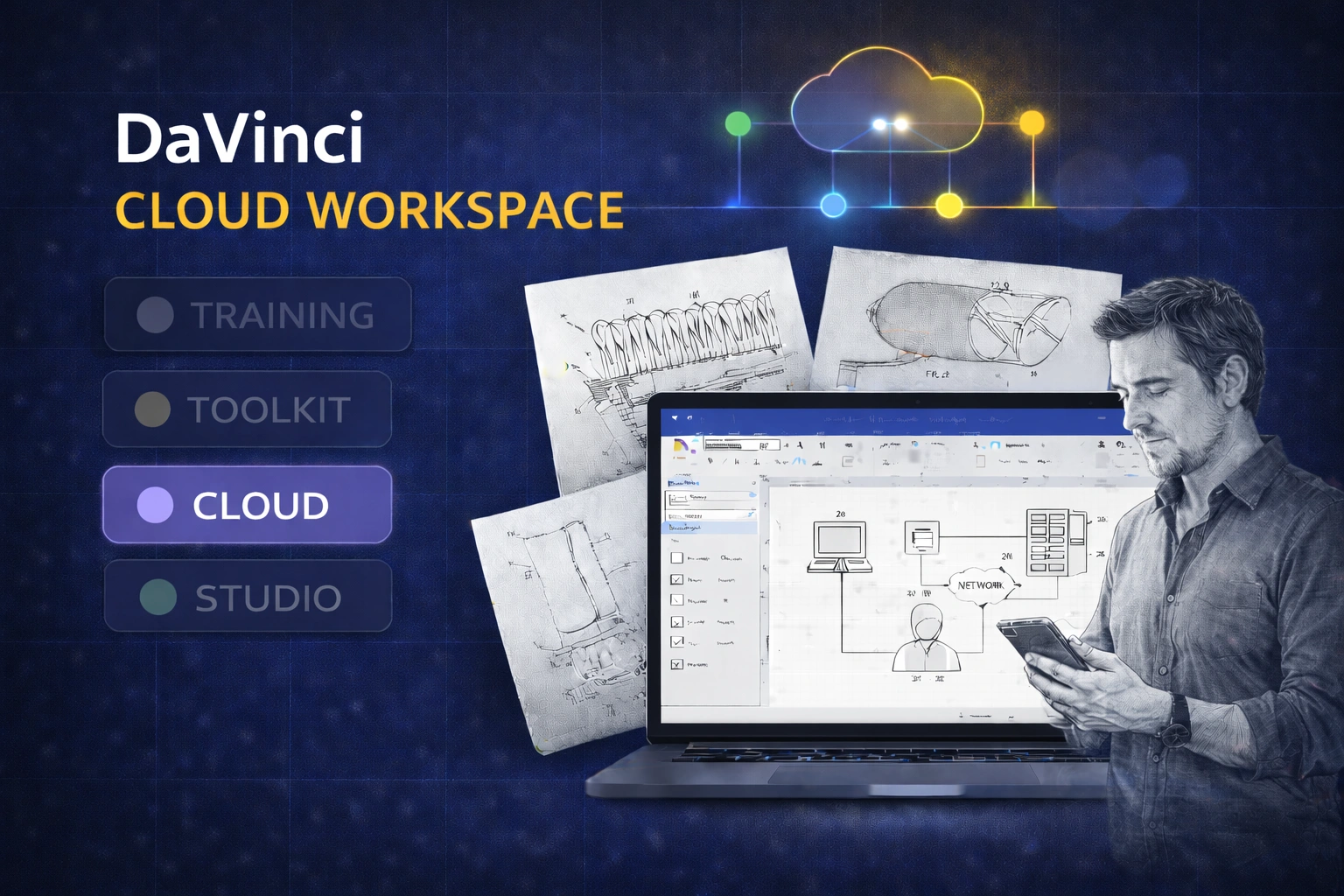
Cloud Workspace provides access — not a different workflow. Training and Toolkit remain the foundation of the IP DaVinci system.
What the Cloud Workspace Provides
Access without installs. Consistency without IT friction.
Access
Run Visio from Any Device
Use IP DaVinci from a browser — no Windows laptop required.
- ✔ Works on Mac, iPad, Linux, and Chromebooks
- ✔ No local Visio installation or admin rights needed
- ✔ Ideal for BYOD, classrooms, and locked-down machines
Environment
Preconfigured IP DaVinci Setup
A ready-to-use workspace aligned with IP DaVinci conventions.
- ✔ Managed Windows desktop environment
- ✔ IP DaVinci Toolkit environment available
- ✔ Consistent setup across users and teams
Control
Reduced IT Friction
Simplify onboarding and support for constrained environments.
- ✔ Centralized environment management
- ✔ Fewer device-specific issues
- ✔ Easier onboarding for cohorts and teams
What Teams Achieve with Cloud Workspace
Access solved — without changing how the system works.
Immediate Access Across Devices
Users start working regardless of hardware.
- ✔ No installation delays
- ✔ Less IT coordination
- ✔ Consistent first-day experience
Consistent Training & Production Environment
Everyone works in the same managed setup.
- ✔ Fewer environment-related issues
- ✔ Easier instruction and supervision
- ✔ Cleaner handoffs between users
A Scalable Access Layer
Deploy Cloud only where it’s actually needed.
- ✔ Use local Visio where possible
- ✔ Add Cloud for constrained users
- ✔ Scale seats up or down as needed
Cloud Workspace Pricing
Flexible access — added only when needed.
DaVinci Cloud Workspace
From $89 / user / month
USD • billed monthly
Browser-based access to a managed Windows workspace for IP DaVinci.
Ideal for: Teams and programs where users cannot install Windows or Visio locally.
Cloud Workspace provides the managed environment only. Microsoft licensing (Visio / M365) is not included by default. Most teams use their existing licenses (BYOL). Training and Toolkit are handled separately or bundled via the Starter Package.
Licensing-included options may be available for institutions or teams by request.
What’s Included
- ✔ Managed Windows desktop accessible via browser
- ✔ IP DaVinci Toolkit environment available inside the workspace
- ✔ Centralized environment maintenance and updates
- ✔ Per-user access control
Use Cloud Workspace selectively — only for users who need it. Many organizations mix local Visio installs with Cloud access.
How Cloud Workspace Fits into the IP DaVinci System
Cloud Workspace is an access layer, not a replacement for the core system.
- Training teaches the workflow.
- Toolkit enables production work.
- Cloud Workspace removes device and IT barriers.
Typical adoption:
- Start with the Starter Package (Training + Toolkit).
- Use local Visio where possible.
- Add Cloud Workspace only for users who can’t install or run Visio locally.
Who Cloud Workspace Is For
Access flexibility for constrained environments.
Universities & Academic Programs
- Run Visio in labs and classrooms
- Support mixed-device student cohorts
- Reduce IT setup time
Law Firms & IP Boutiques
- Support Mac or locked-down devices
- Enable temporary or contract staff
- Maintain a consistent environment
Corporate IP & R&D
- Avoid local installs on managed endpoints
- Standardize drawing environments
- Reduce IT exceptions
Need Flexible Access to IP DaVinci?
Add Cloud Workspace only where device or IT constraints exist.