SYSTEM LAYER — TOOLS
Keep the Tools Active. Keep the System Consistent.
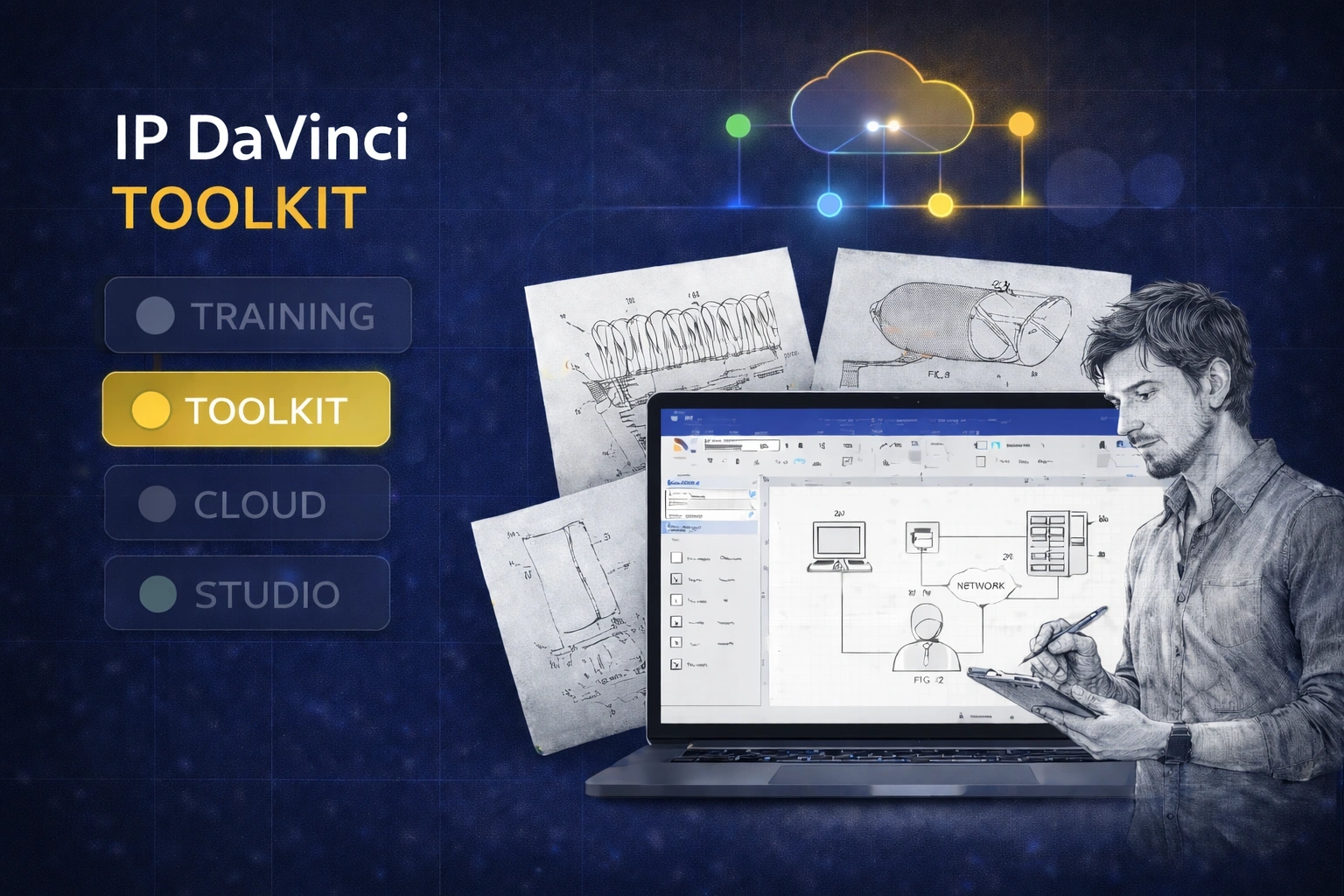
The IP DaVinci Toolkit is the production layer of the system — templates and stencils that keep your figures consistent across matters and across your team.
💡 Special pricing may be available for students, educators, and individuals.
SYSTEM NOTE
New to IP DaVinci? Start with the Starter Package (Training + Toolkit). If you already know the workflow, renew Toolkit annually to keep tools + licensing active.
What the Toolkit Gives You
A standardized Visio environment for patent drawings — ready for real production work.
Templates
Patent-Ready Page Templates
Start every drawing with correct margins, styles, and sheet formatting.
- ✔ Letter & A4 templates aligned to filing conventions
- ✔ Standardized fonts, black line styles, and layout defaults
- ✔ Multi-figure sheet variants for cleaner submissions
Stencils
Patent-Focused Stencils for Real Figures
Reusable shapes for the figure types you actually draw.
- ✔ Annotations: reference numbers, lead lines, figure titles
- ✔ Flowcharts & system diagrams
- ✔ Graphs, tables, and GUI figure building blocks
- ✔ Symbols and reusable components for utility figures
Consistency
One Visual Language Across the Team
Everyone produces drawings that look like they came from one studio.
- ✔ Shared conventions for layers, line weights, and spacing
- ✔ Easier review and fewer format corrections
- ✔ Cleaner handoffs between staff, outside counsel, and vendors
What Teams Achieve with the Toolkit
Faster drafting, fewer corrections, and consistent figures across matters.
Speed Without Reinventing the Wheel
Reusable shapes and templates remove repeated setup work.
- ✔ Less time fixing margins and formatting
- ✔ Faster production of routine figure types
- ✔ Easier edits and revisions
Cleaner, Examiner-Friendly Output
Standardized layout and annotation improves clarity.
- ✔ More consistent labels and linework
- ✔ Less ambiguity in diagrams
- ✔ Better internal review outcomes
A Stable Foundation for Optional Layers
Toolkit stays the core even when you add Cloud or Studio.
- ✔ Cloud Workspace can run the same Toolkit environment
- ✔ Studio work can be delivered in Toolkit-compatible style
- ✔ Training maps directly to Toolkit workflows
Toolkit Renewal Pricing
Annual licensing to keep tools + updates active.
IP DaVinci Toolkit — Annual Renewal
$297 / user / year
USD • annual subscription
The production layer of the IP DaVinci system — templates and stencils for consistent patent figures in Visio.
Ideal for: Teams and individuals who already use the IP DaVinci workflow and want to keep tools, licensing, and updates active.
💡 Discounted options are available for individuals, students, and academic users. Contact us for details.
What’s Included
- ✔ Commercial-use Toolkit license for active term
- ✔ Templates + stencils for common patent figure types
- ✔ Updates during the active license term
- ✔ Aligned with Patent Drawing School workflows
• Cloud Workspace — run Visio + Toolkit from any device when Windows or local installs are a problem
• Studio — done-for-you drawings when you want to delegate
How the Toolkit Fits into the IP DaVinci System
The Toolkit is the production layer of the IP DaVinci system.
- Training teaches the method.
- Toolkit is the set of tools you use to produce real work in Visio.
Typical path:
- Start with the Starter Package (Training + Toolkit) to learn fast and begin producing immediately.
- Renew Toolkit annually to keep licensing and updates active.
- Add Cloud Workspace only when device or IT constraints exist.
- Use Studio only when you want drawings done for you.
Who Toolkit Renewal Is For
The ongoing layer for teams already using the workflow.
Law Firms & IP Boutiques
- Keep figures consistent across staff and matters
- Reduce formatting cleanup during review
- Add Studio for overflow work when needed
Corporate IP & R&D
- Standardize invention disclosure diagrams
- Make drawings easier to review across teams
- Use Cloud Workspace for mixed-device environments
Universities & Academic Programs
- Keep lab and course environments consistent
- Use Toolkit conventions in projects and submissions
- Add Cloud Workspace for labs and classrooms
Individuals, Paralegals & Practitioners
- Maintain your production setup year to year
- Stay current with Toolkit updates
- Add Studio when you want to delegate complex work
Keep Your Toolkit Active
Renew annually to keep licensing and updates active — and keep your drawings consistent.