SYSTEM LAYER — TRAINING
Learn the IP DaVinci Drawing Method
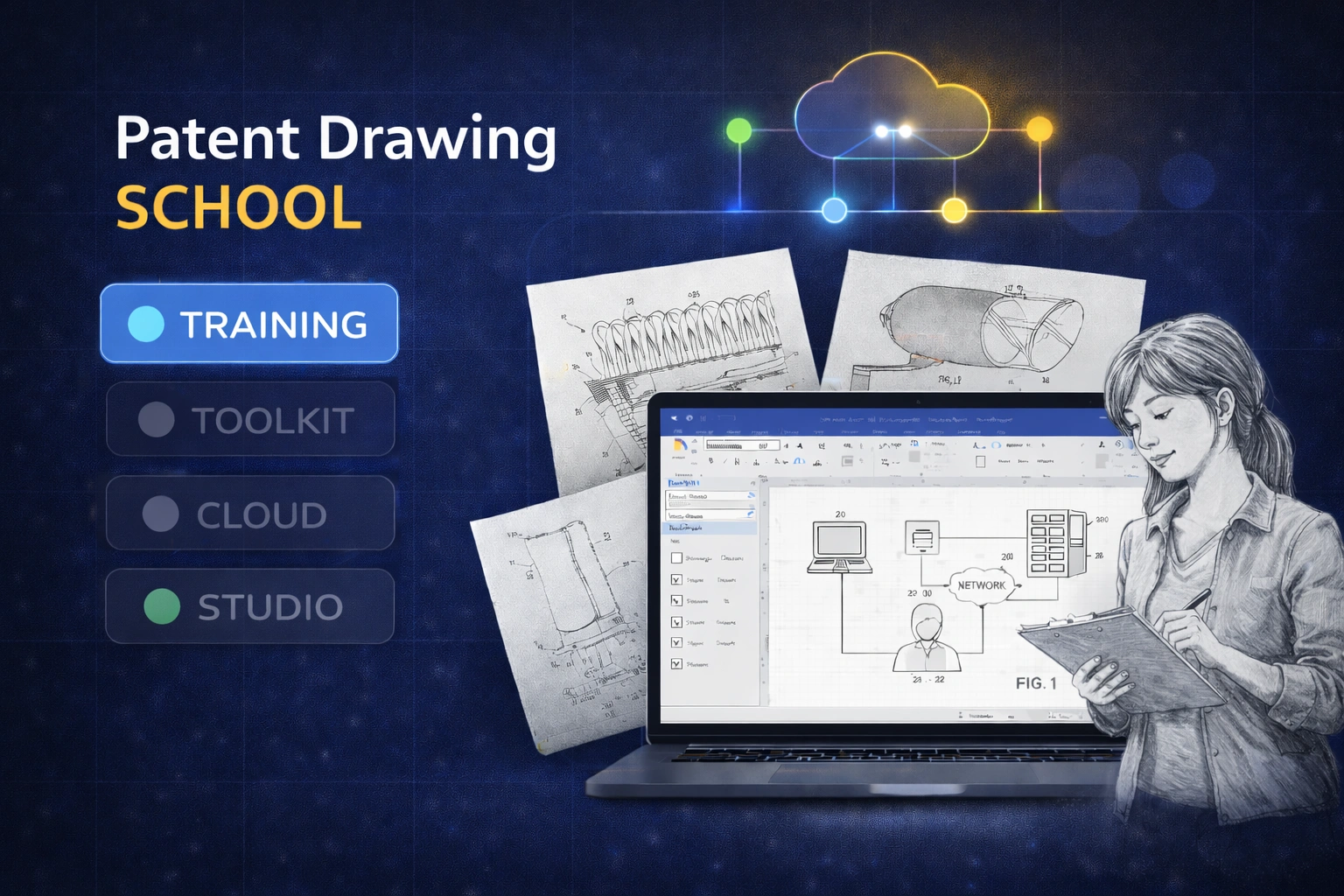
Structured training that teaches how to create patent-ready figures in Microsoft Visio.
💡 Most teams start with the Starter Package (Training + Toolkit) to learn the workflow and immediately apply it in production.
SYSTEM NOTE
Training teaches the method. Toolkit enables production. Cloud and Studio are optional layers.
What the Training Covers
Practical instruction aligned with real patent drawing work.
Method
A Repeatable Drawing Workflow
Learn a structured approach instead of improvising in Visio.
- ✔ Figure planning and layout
- ✔ Layering and annotation conventions
- ✔ Clean, examiner-friendly output
Figure Types
The Figures You Actually Draw
Training focuses on real-world utility figures.
- ✔ Flowcharts and methods
- ✔ System and block diagrams
- ✔ GUI figures, graphs, and tables
- ✔ Image tracing into line art
Practice
Guided Examples and Exercises
Learn by doing with reference diagrams.
- ✔ Before/after examples
- ✔ Downloadable practice files
- ✔ Clear visual standards
ROLE-BASED LEARNING
Learn only what applies to your role.
Training is modular and role-based. Attorneys, paralegals, engineers, and students follow different learning paths based on how they work with patent drawings.
Note
Note: There is no requirement to complete every module. Most learners focus only on the lessons relevant to their responsibilities.
What Learners Gain from Training
Understanding first — production comes next.
Clarity Before Production
Learners understand what good patent figures look like and why.
- ✔ Reduced guesswork
- ✔ Better communication with reviewers
- ✔ Fewer avoidable mistakes
Faster Adoption of Tools
Training shortens the learning curve when moving into production.
- ✔ Easier Toolkit onboarding
- ✔ More consistent usage
- ✔ Less rework later
A Shared Visual Language
Teams align on one method.
- ✔ Clear expectations
- ✔ Simpler supervision
- ✔ Better long-term consistency
Training Access Options
Education-first access, with production handled separately.
Patent Drawing School — Training
Available by arrangement
Training-only access for education, evaluation, or academic use.
Ideal for: Universities, students, evaluators, and teams assessing the IP DaVinci workflow.
Training-only access does not include commercial-use tools. For production work, teams typically use the Starter Package.
What’s Included
- ✔ Access to Patent Drawing School training modules
- ✔ Role-based learning paths
- ✔ Practice diagrams and reference examples
Educational and academic programs may qualify for discounted training access.
How Training Fits into the IP DaVinci System
Training is the learning layer of the IP DaVinci system.
- Training teaches the method and conventions.
- Toolkit enables real production work.
- Cloud Workspace solves access constraints.
- Studio handles work you want to delegate.
Most commercial teams start with the Starter Package to learn the workflow and immediately apply it in practice.
Who Training Is For
Learning-first scenarios.
Universities & Academic Programs
- Teach practical patent drawing skills
- Support labs, clinics, and coursework
- Use Cloud Workspace for classrooms if needed
Individuals & Students
- Learn patent drawing fundamentals
- Evaluate the IP DaVinci workflow
- Upgrade later to production tools
Teams Evaluating the System
- Train before committing to production
- Align stakeholders on one method
- Transition smoothly to Starter Package
Ready to Learn the Method?
Start with Training — or jump straight to the Starter Package for production.