IP DAVINCI CONTINUATION PROGRAM
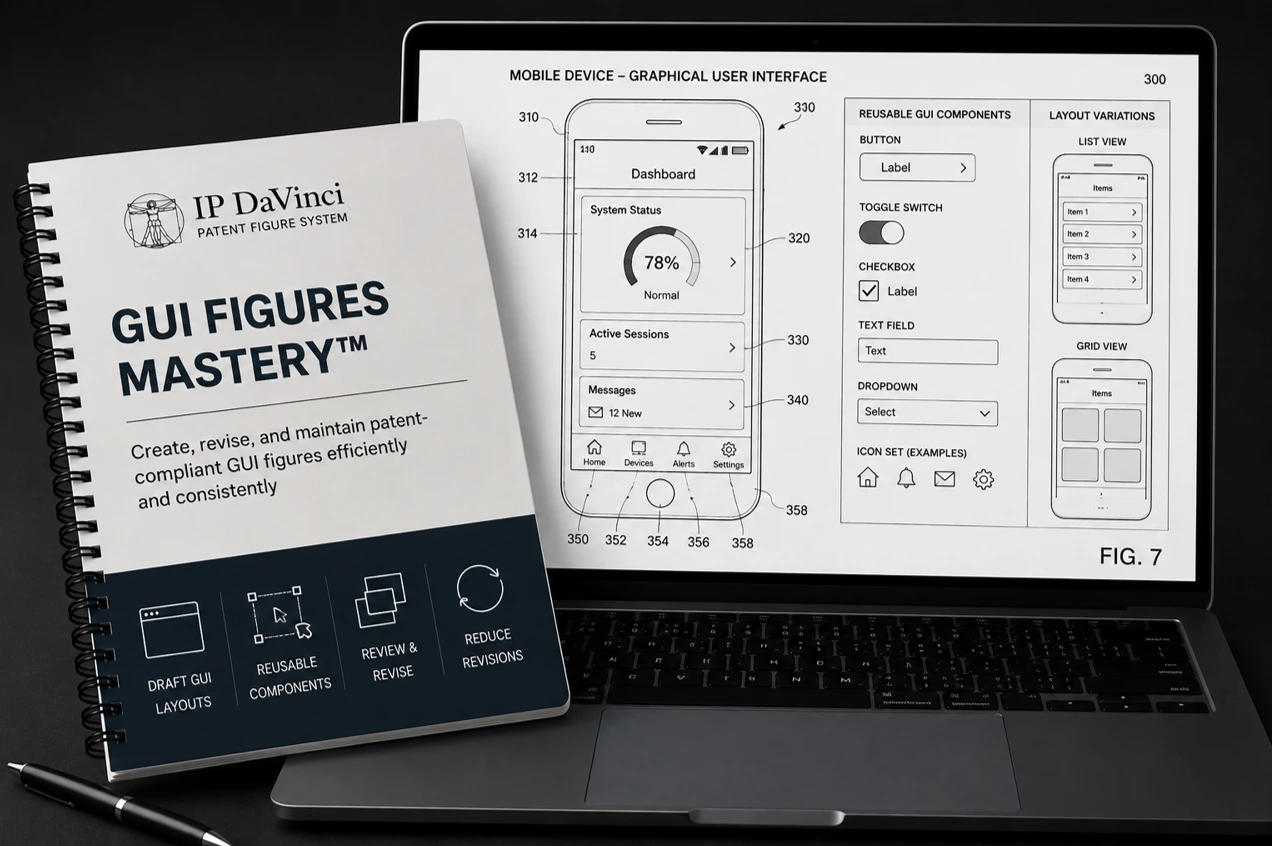
GUI Figures Mastery™
- ✓ Part of the IP DaVinci System™
- ✓ Self-Paced Online Training
- ✓ 2-Stage GUI Method™
- ✓ Immediate Access
CONTINUATION PROGRAM
WHY GUI FIGURES MATTER
Create Maintainable GUI Patent Figures
Interfaces
- Mobile applications
- Web applications
- Desktop software
- Computer systems
- Touch interfaces
Tools
- Anchor Sections
- Reusable layouts
- Annotations
- Interface simplification
- GUI templates
Workflows
- 2-Stage GUI Method™
- Layout planning
- Section identification
- Revision workflows
- Quality control
Benefits
- Improve readability
- Reduce revisions
- Simplify interfaces
- Increase consistency
- Create reusable assets
Who Should Attend
Designed for professionals who create, review, revise, or manage GUI patent figures.
Why Learn GUI Figure Development
Screenshots Create Problems
Raw screenshots are difficult to annotate, revise, simplify, and maintain throughout the patent process.
Readability Matters
GUI figures often contain text, menus, controls, and interface elements that must remain clear and understandable.
Better GUI Figures Improve Quality
Structured GUI drafting improves consistency, readability, maintainability, and overall figure quality.
What You Will Learn
Practical instruction focused on creating, organizing, reviewing, revising, and maintaining GUI patent figures.
GUI Drafting Fundamentals
- • GUI Figure Fundamentals
- • Common GUI Structures
- • Interface Simplification
- • Patent Figure Readability
- • GUI Figure Annotation
- • GUI Figure Review
The 2-Stage GUI Method™
- • Anchor Section Planning
- • Section Identification
- • Multi-Section Interfaces
- • Layout Management
- • Consistent Spacing
- • Annotation Workflows
- • Revision Techniques
- • Quality Control
Course Details
Everything needed to develop practical GUI patent figure drafting skills.
What's Included
- ✓ eLearning Modules
- ✓ Practice Exercises
- ✓ Downloadable Resources
Program Format
WHY IP DAVINCI
A Different Approach To GUI Figure Development
Learn structured GUI drafting workflows instead of recreating interfaces screen by screen.
Anchor Section Method™
Learn how to identify the interface section that drives the overall figure layout.
Built For Readability
Create GUI figures that remain clear and understandable even when interfaces become complex.
Reduced Rework
Finalize layout structure before annotations to minimize unnecessary revisions.
Practical Workflows
Apply repeatable techniques immediately to real patent figure projects.
FAQ
Frequently Asked Questions
Answers to common questions about GUI Figures Mastery™.
Do I need Visio experience?
How long does the program take?
Do I learn how to convert screenshots into patent figures?
What types of interfaces are covered?
Where does this fit within the IP DaVinci System™?
Ready To Master GUI Patent Figures?
GUI Figures Mastery™ $99 Includes: eLearning Modules, Practice Exercises, Downloadable Resources, and the IP DaVinci 2-Stage GUI Method™.