IP DAVINCI CONTINUATION PROGRAM
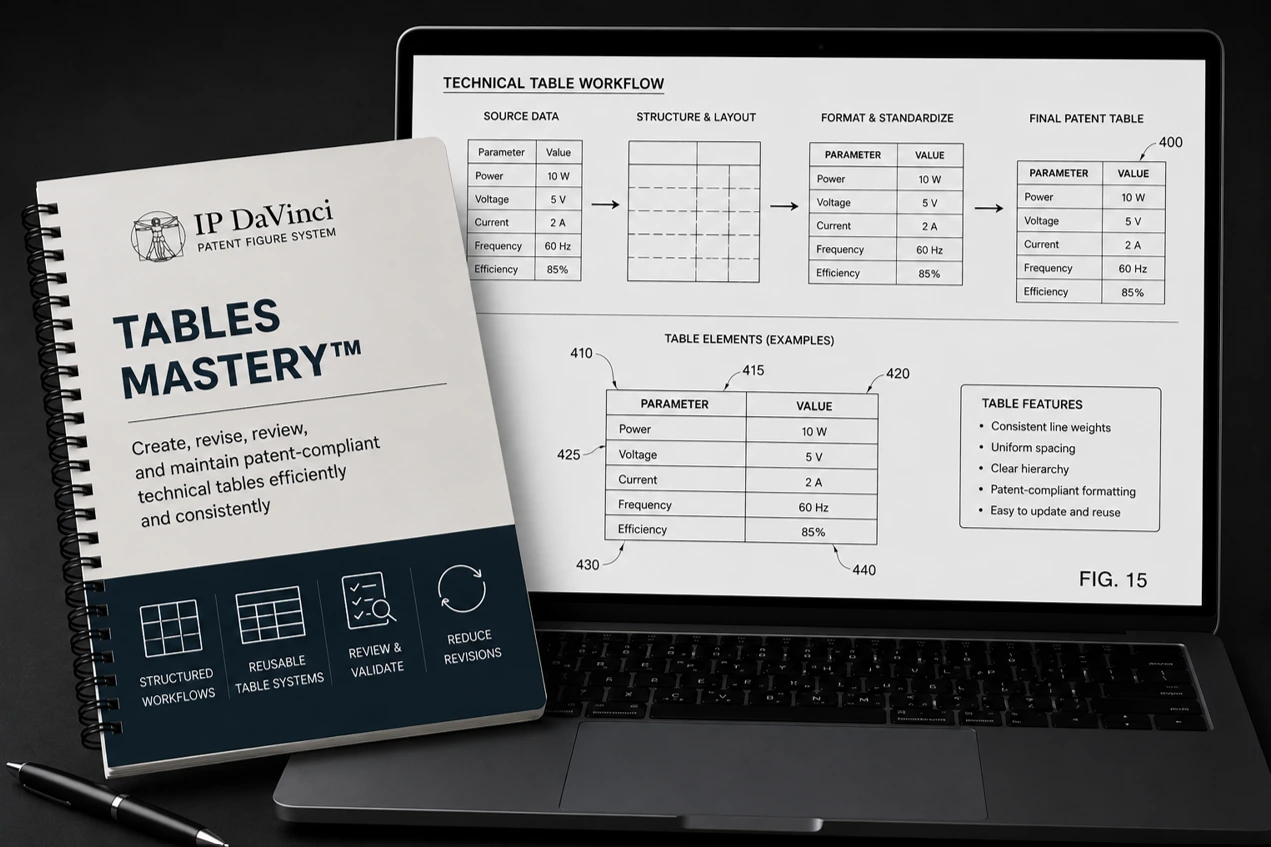
Tables Mastery™
- ✓ Part of the IP DaVinci System™
- ✓ Self-Paced Online Training
- ✓ IP DaVinci Table System™
- ✓ Immediate Access
CONTINUATION PROGRAM
WHY TABLES MATTER
Create Maintainable Patent Tables
Applications
- Specification tables
- Comparative tables
- Configuration tables
- Parameter tables
- Component tables
Tools
- Column-Based Tables™
- Modular Tables™
- Reusable headers
- Container layouts
- Table templates
Workflows
- Table planning
- Layout management
- Annotation workflows
- Revision techniques
- Quality control
Benefits
- Improve readability
- Reduce revisions
- Increase consistency
- Create reusable assets
- Simplify updates
Who Should Attend
Designed for professionals who create, review, revise, or manage technical tables used in patent applications.
Why Learn Patent Table Development
Technical Information Needs Structure
Tables communicate specifications, configurations, parameters, and relationships more effectively than large blocks of text.
Poor Tables Create Future Work
Tables that are difficult to revise or maintain create unnecessary effort throughout drafting and prosecution.
Better Tables Improve Readability
Well-structured tables improve clarity, consistency, and overall figure quality.
What You Will Learn
Practical instruction focused on creating, organizing, revising, and maintaining patent-compliant tables.
Column-Based Tables™
- • Text & Border Column Shapes
- • Header Formatting
- • Table Titles
- • Column Alignment
- • Text Wrapping
- • Annotation Procedures
- • Row Management
- • Consistent Layouts
Modular Tables™
- • Text Column Shapes
- • Border Lines
- • Containers
- • Custom Layouts
- • Multi-Line Cells
- • Advanced Formatting
- • Table Composition
- • Reusable Components
Course Details
Everything needed to develop practical patent table creation and management skills.
What's Included
- ✓ eLearning Modules
- ✓ Practice Exercises
- ✓ Downloadable Resources
Program Format
WHY IP DAVINCI
A Different Approach To Patent Tables
Learn reusable table systems instead of rebuilding tables from scratch every time.
Column-Based Tables™
Create structured tables quickly using reusable column components.
Modular Tables™
Build flexible and highly customized table layouts using reusable elements.
Built For Revisions
Create tables that remain easy to update as specifications and information evolve.
Practical Workflows
Learn repeatable techniques that can be applied immediately to real patent projects.
FAQ
Frequently Asked Questions
Answers to common questions about Tables Mastery™.
Do I need Visio experience?
How long does the program take?
What types of tables are covered?
What is the difference between Column-Based and Modular Tables™?
Where does this fit within the IP DaVinci System™?
Ready To Master Patent Tables?
Tables Mastery™ $99 Includes: eLearning Modules, Practice Exercises, Downloadable Resources, and the IP DaVinci Table System™.